



Construction Onboarding Made Easy
Automate tasks, track onboarding, and transition employees seamlessly.

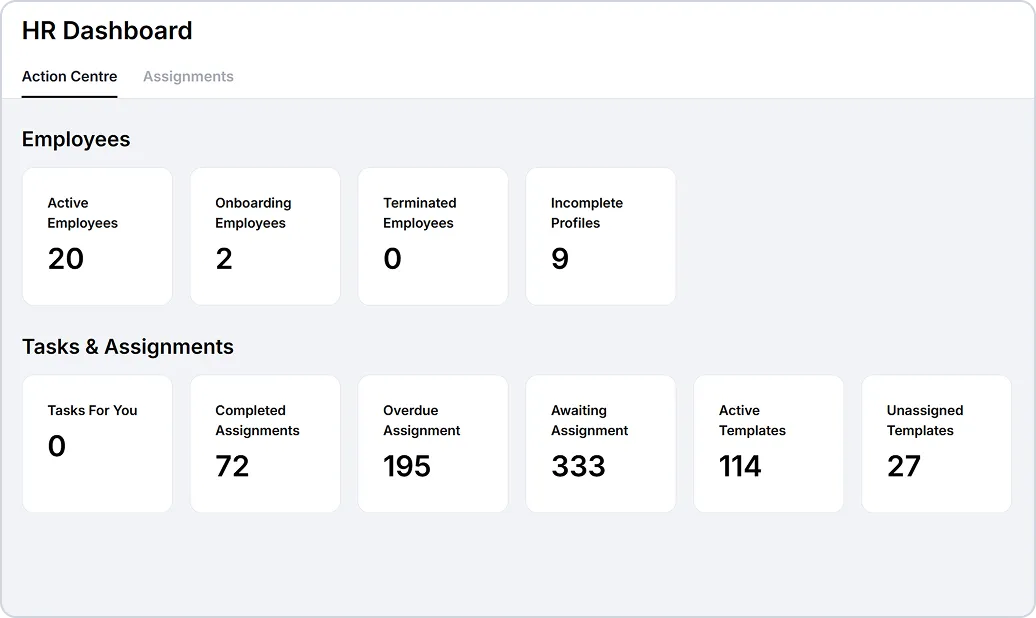
Build Once, Assign Everywhere
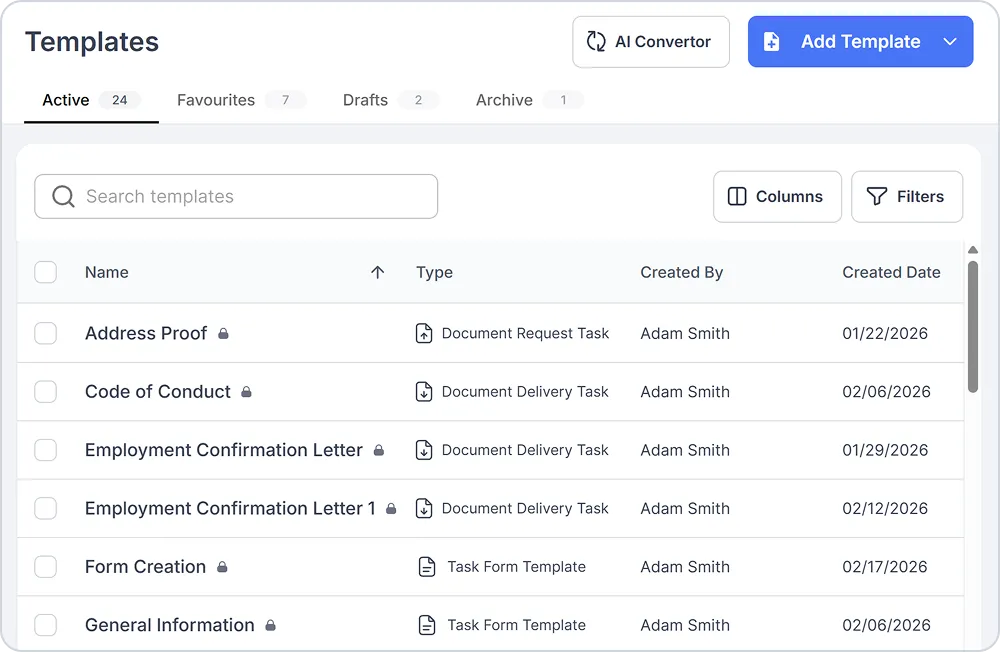
Create reusable templates for any onboarding scenario and automate everything from offer letters to compliance forms.
- Document Delivery: Send forms for signature (offer letters, handbooks, policies).
- Document Request: Request uploads from employees (licenses, certifications, IDs).
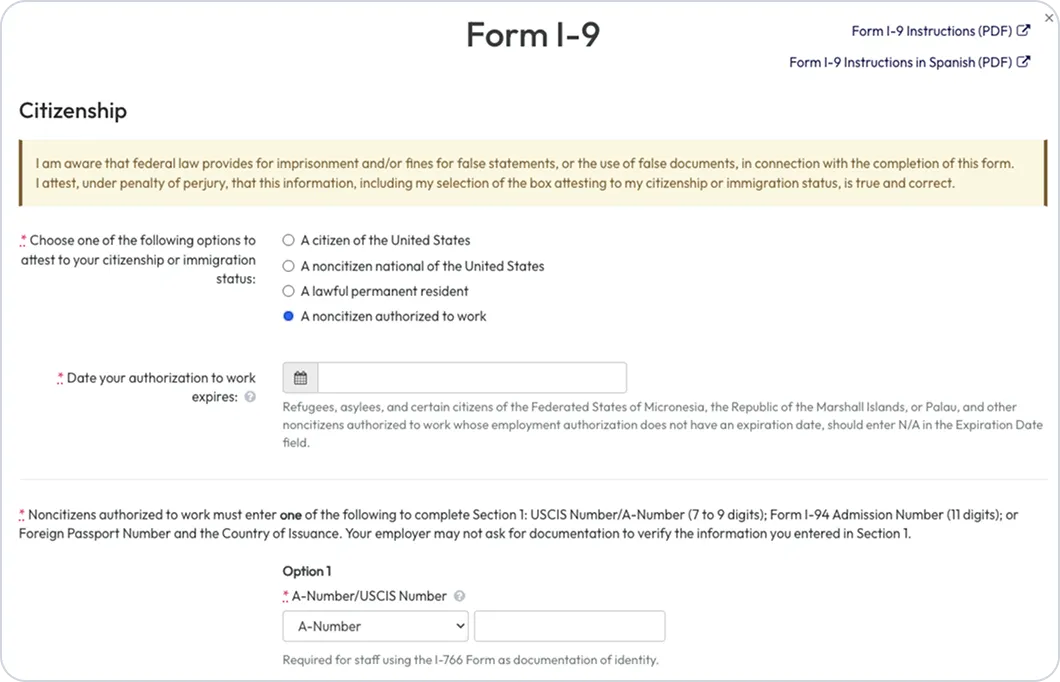
- Forms: Build interactive forms.
- Task Groups: Bundle multiple templates into organized groups.
- Workflows: Define multi-step processes with dependencies.

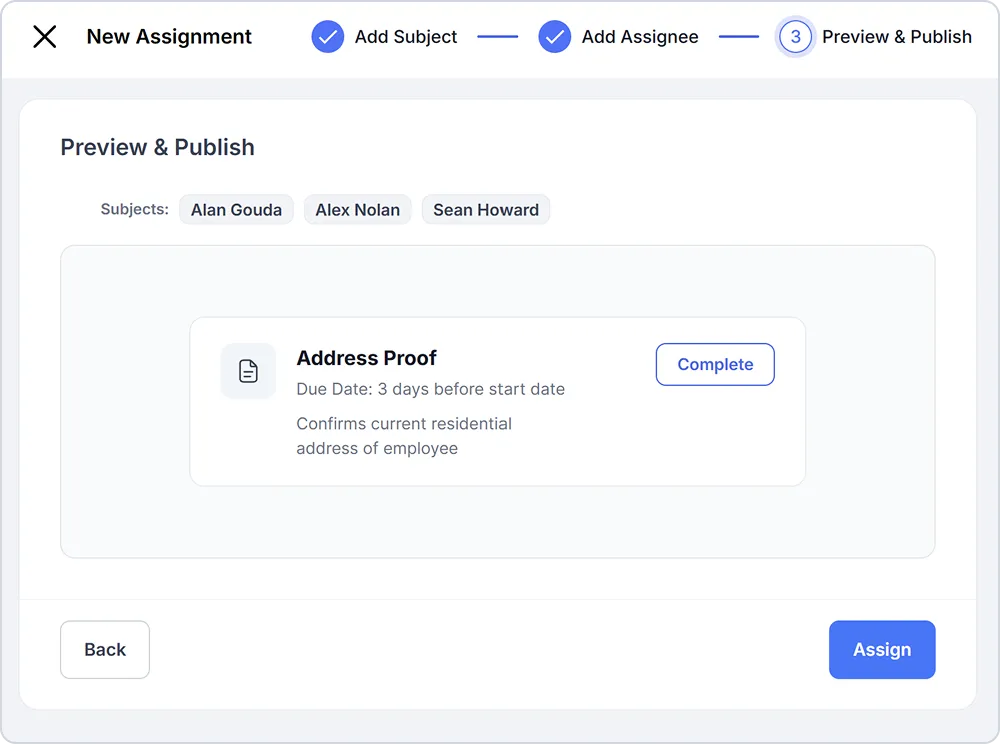
Smart Task Assignment System
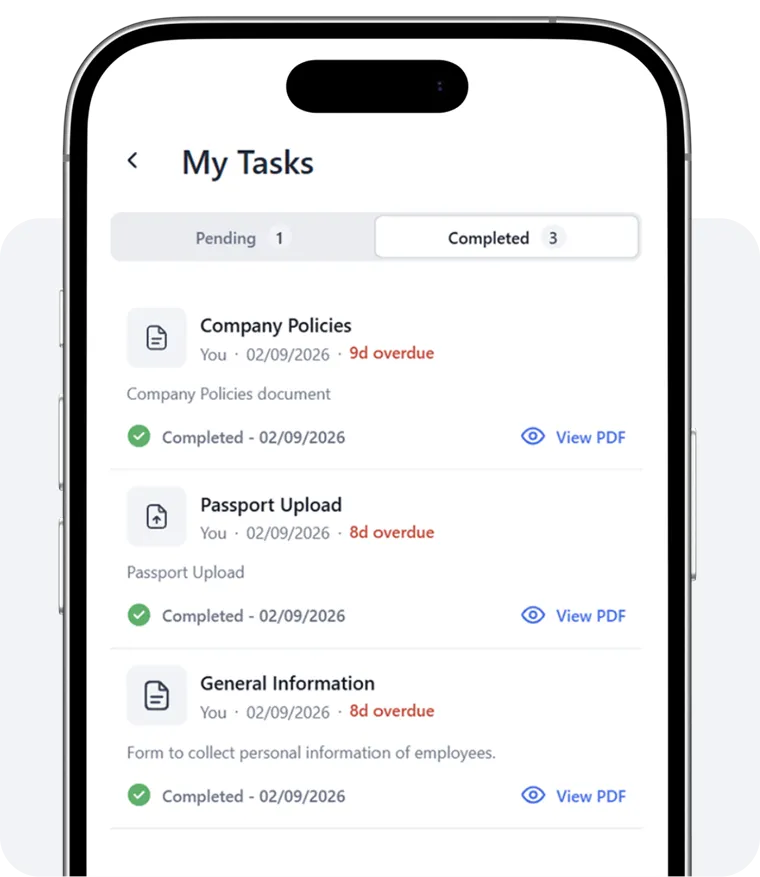
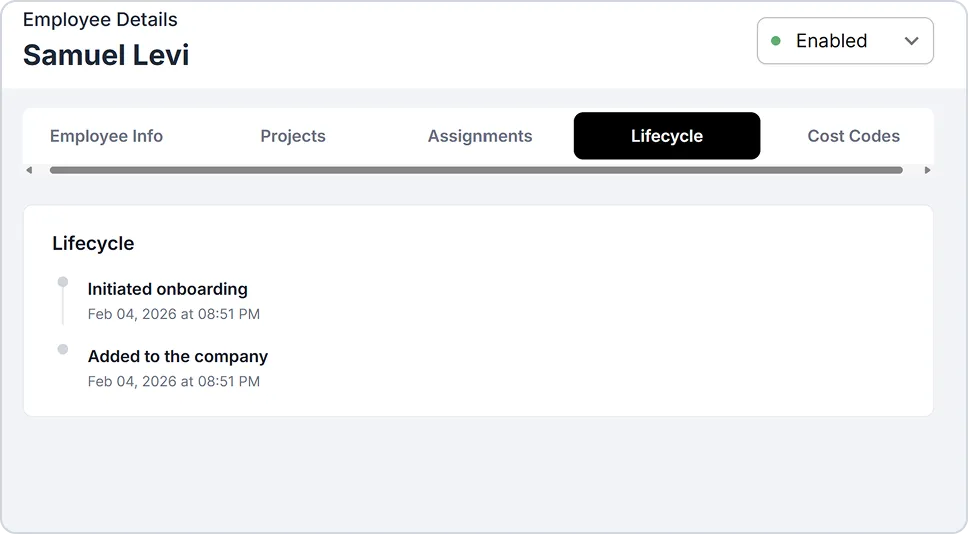
Assign onboarding tasks to employees, managers, or HR and monitor progress in real-time. Automated email and SMS reminders keep everyone on track, while a full task history follows the employee into their active role for a permanent compliance record.
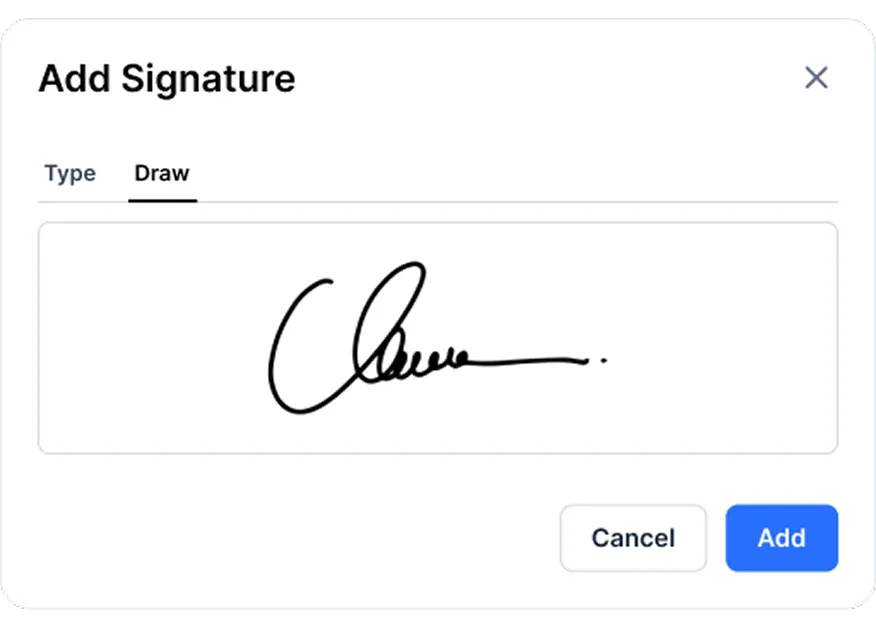
Collect E-Signatures
Send documents for legally-binding digital signatures directly through the platform. New hires review and sign offer letters, handbooks, safety policies, and more - all electronically.
Documents are automatically stored in secure, centralized employee files with role-based access controls.
Why Lumber Onboarding?
Because hiring, training, and retaining skilled trades shouldn’t mean juggling five different systems, a stack of paper forms, and endless emails.

Discover the Full Power of Lumber HR
Everything your HR team needs, all in one place.
Applicant Tracking System
Post jobs, manage candidates, schedule interviews, and leverage AI-driven insights, all in one platform.
Benefits Administration
Simplify benefits management and give your team easy access to the plans they need.
Credential Management
Keep certifications and credentials organised, up to date, and always compliant.
More insights on Lumber Onboarding



Still have questions?

