



AI-Powered Canadian Construction Payroll
Automate complex payroll calculations across provinces and territories, including multiple pay rates, shifts, overtime, statutory holidays, and union dues, with seamless CRA remittance and secure direct deposit.
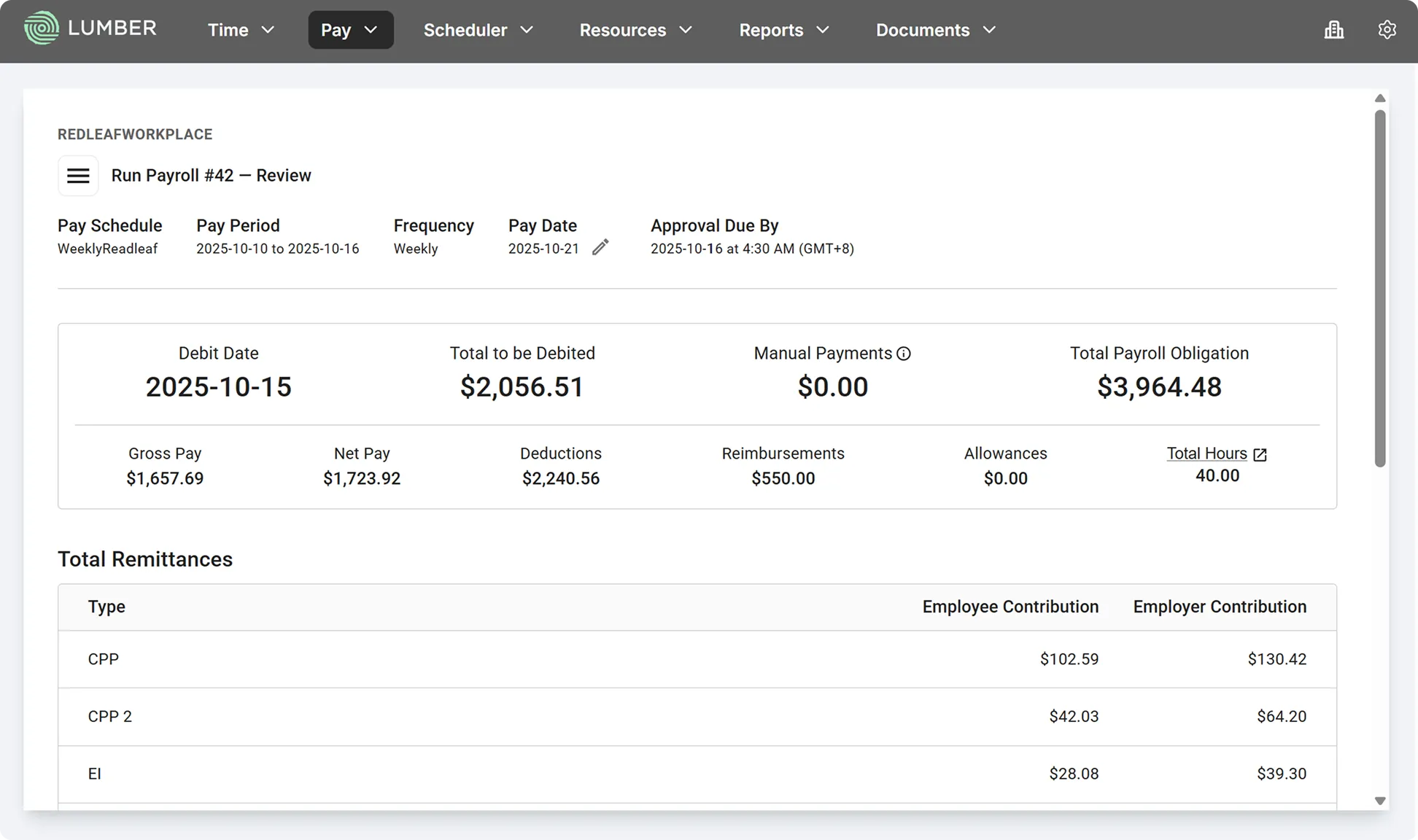
End-to-End Payroll Processing for Canadian Construction Teams
Process your payroll accurately and compliantly with secure direct deposits.
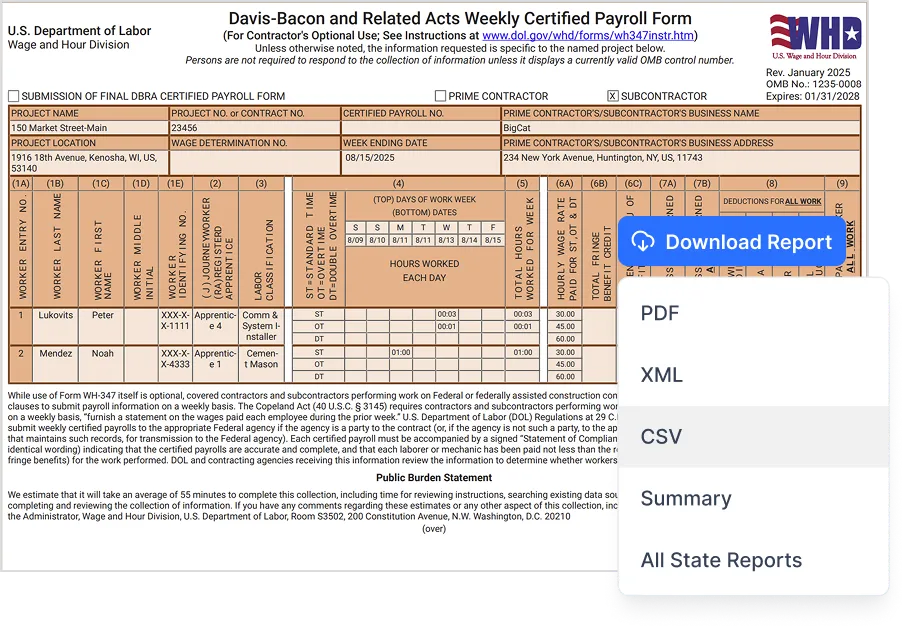
Generate WH-347 and state-specific formats that meet government requirements.
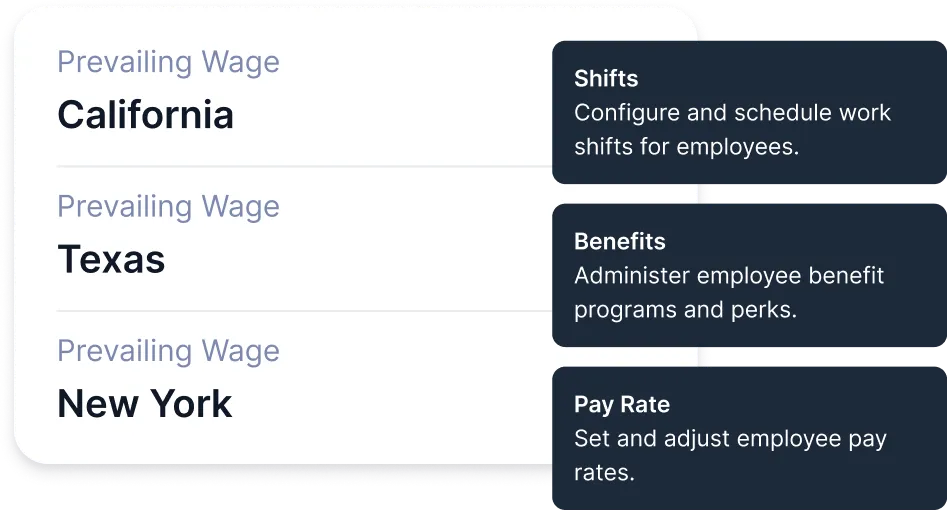
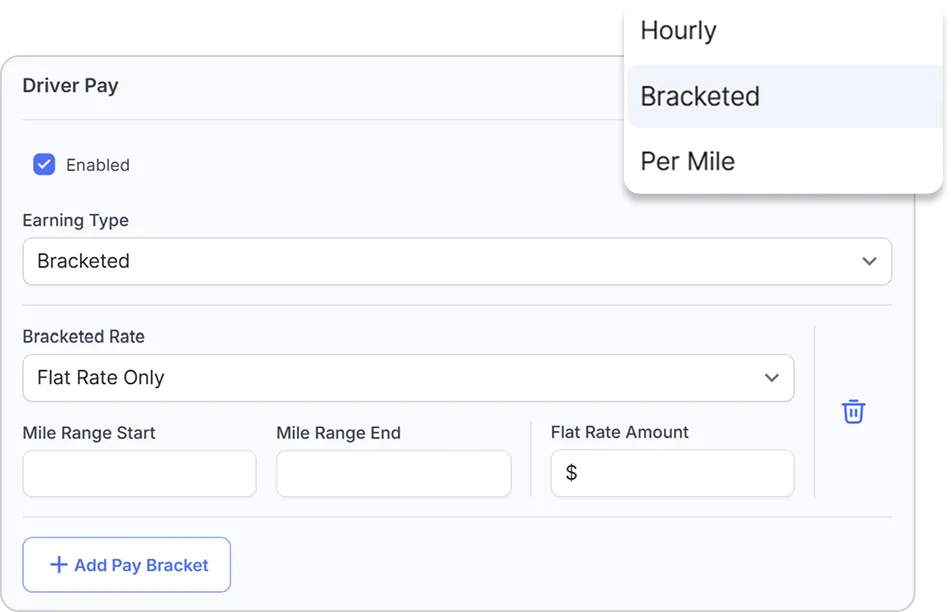
Set up prevailing wage rates (base + fringe) by project and let Lumber handle calculations automatically.
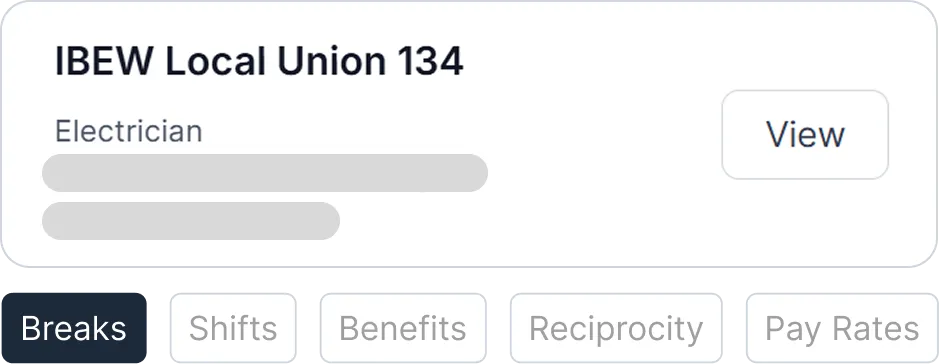
Configure union pay scales, shift differentials, and fringe contributions. Accurately track deductions and benefits per collective bargaining agreements.
Link labor hours to job codes, classifications, and pay rates. Be ready for audits, reduce premium disputes, and keep costs under control.

From per diem allowances to mileage reimbursements, Lumber gives you configurable policies by project, union, or prevailing wage rules.
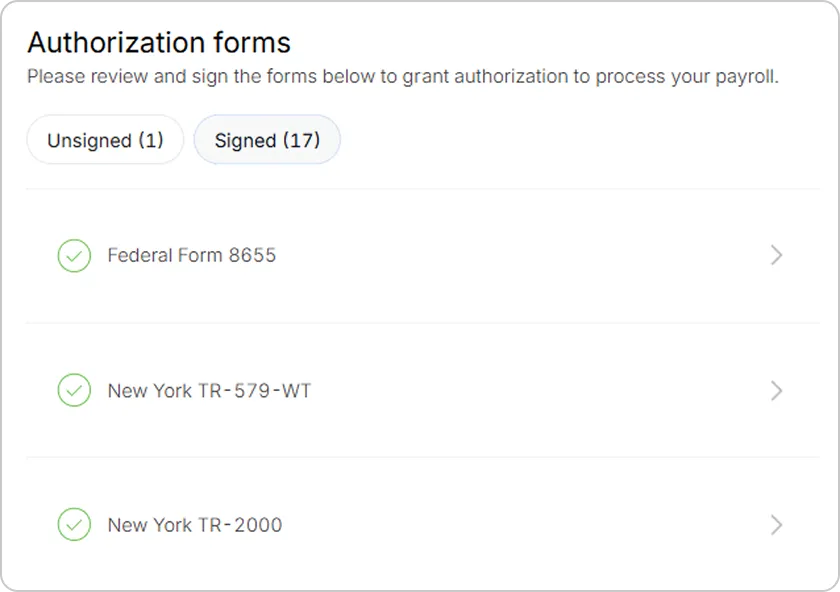
With automated filings, digital records, and year-end forms delivered on time, you stay compliant and focused on the job site.

Configurable pay rates, OT, benefits, deductions, allowances, unions, shifts, PTO, breaks, holidays, G/L.
Support collective agreements and apprenticeships.


Calculate pay, statutory withholdings, benefits, deductions and more.
Pay via direct deposit or manual cheques.
Configurable pay rates, OT, benefits, deductions, allowances, unions, shifts, PTO, breaks, holidays, G/L.
Support collective agreements and apprenticeships.
Integrate Lumber payroll with proprietary and third-party time-tracking tools.
Eliminate double data entry and reduce payroll errors.
Optimize job costing by linking payroll data with projects and cost codes.
A Complete Canadian Payroll Engine
Every feature is built for the realities of construction — unions, travel, OT, and province-to-province work.
Automates remittances of income taxes, employment insurance and CPP/CPP2.
Automates complex union wage calculations, dues and benefits for full compliance.
Run payroll on your schedule. Easily handle off-cycle and retroactive runs.
Track every payment — EHT, workers’ compensation, retirement plans, and more.
Generate and file ROEs electronically for all employees.
Self-serve payroll access so employees always have what they need at their fingertips.
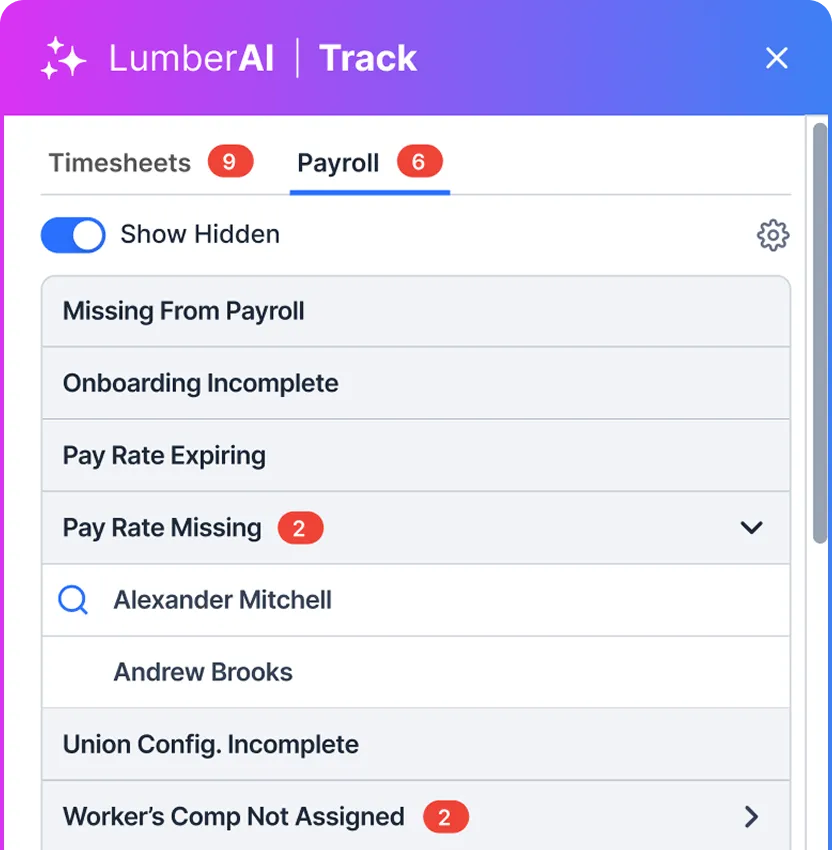
Stay ahead of payroll errors with LumberAI Track, our intelligent payroll anomaly detector.
LumberAI Track continuously scans your payroll in real-time, instantly detecting anomalies before they become costly mistakes. From expired pay rates and missing prevailing wages to incomplete union configurations and workers’ compensation gaps, our AI ensures your payroll is always accurate and compliant.
Why Lumber Payroll?
The smarter, faster way to run construction payroll.

Explore more
Lumber goes beyond Payroll management to power your entire workforce operation.
HR & Benefits
Streamline hiring, onboarding, credential management, and benefits—all in one system.
Field Operations
Track time, schedule crews, monitor equipment, measure productivity, manage job costs and more.
Frequently Asked Questions



Still have questions?

