Expense Management

Capture Expenses. Automate Reimbursements.

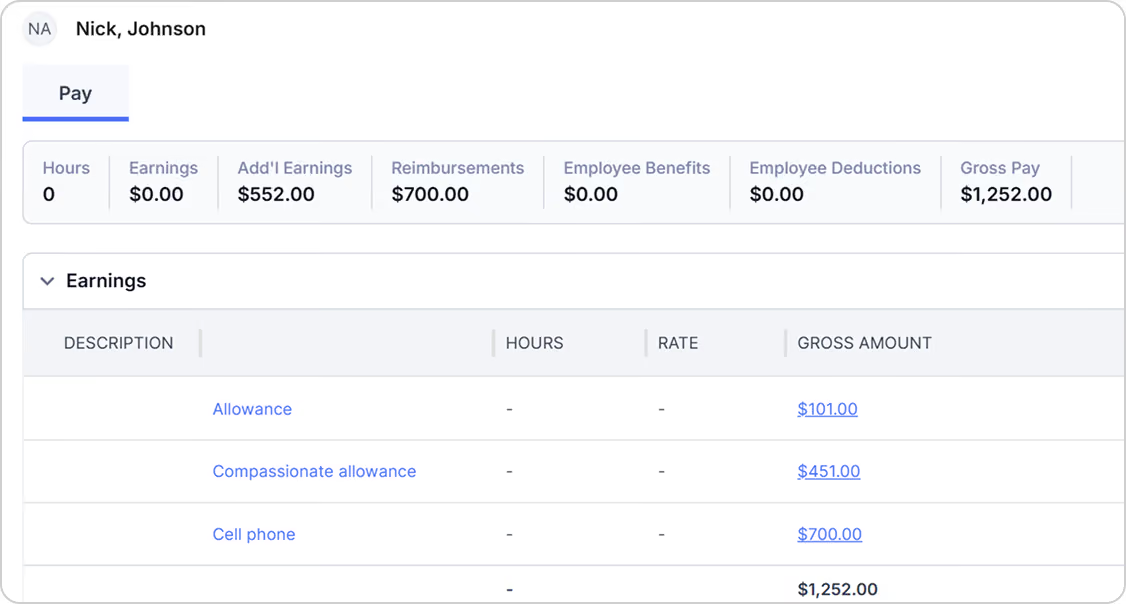
Everything you need to manage expenses, from expense logging to payroll

Give your workforce an easier way to submit expenses while giving your back office the visibility and controls to manage spending across every project.
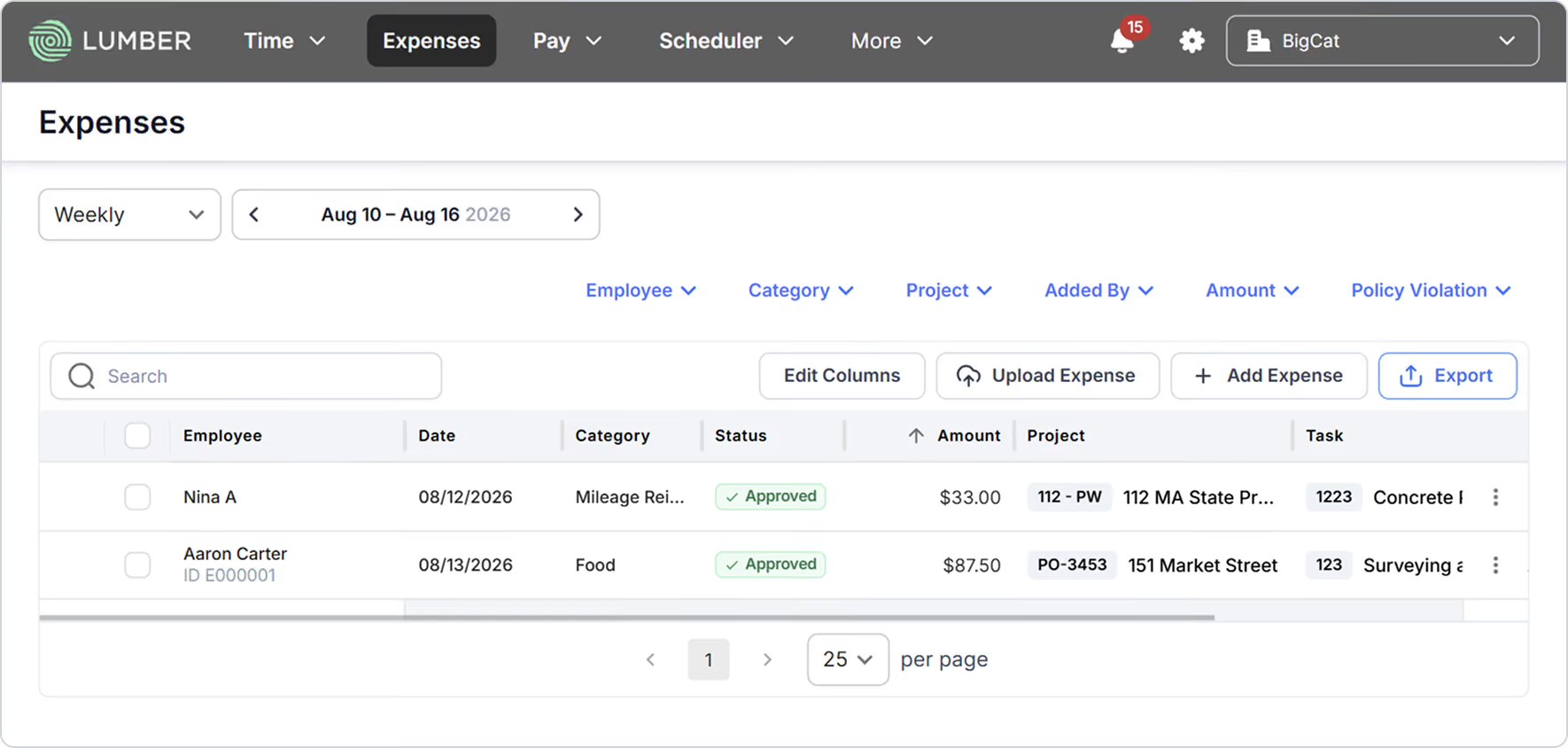
Centralized Expense Tracking
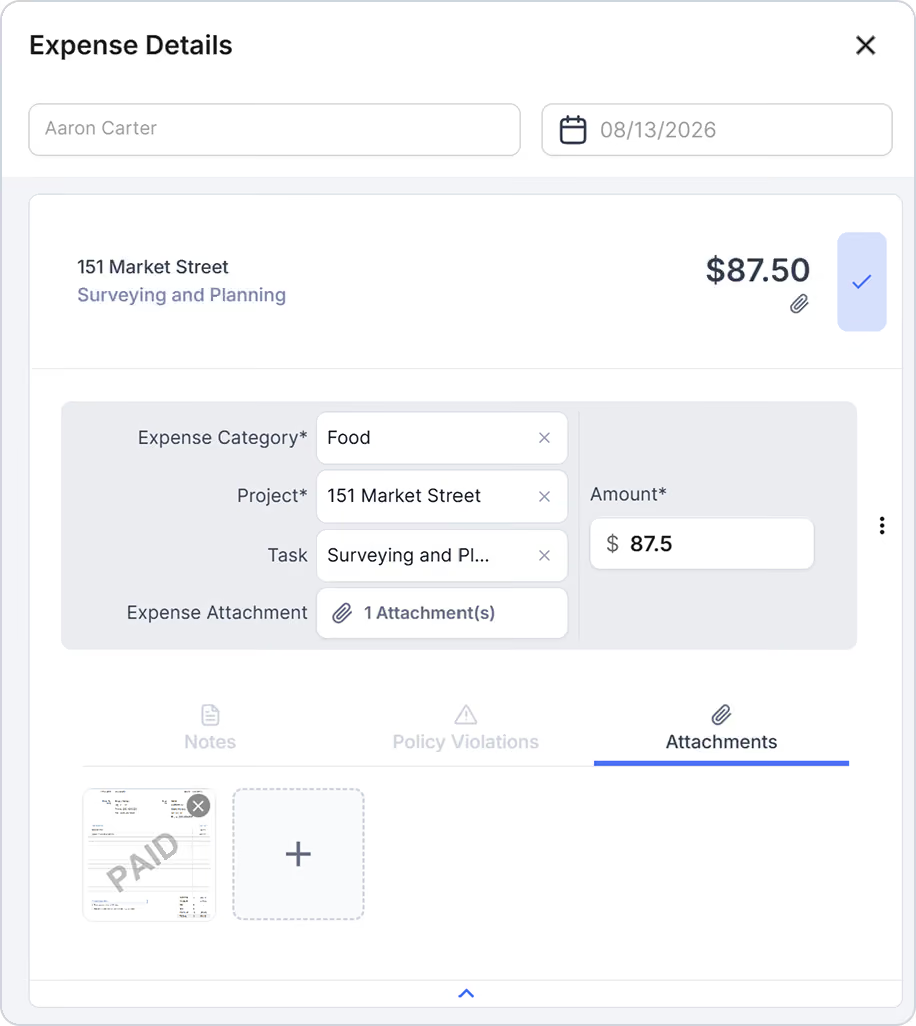
See employee expenses across projects and teams in one place.
Detailed Expense Records
Access supporting information, including notes and policy violation details.
Easy Data Export
Export expense data in Excel or CSV formats for accounting, reporting, and downstream workflows.
Built-in guardrails for every expense

Put Spending Policies on Autopilot

Set the rules once. Let Lumber monitor expenses every time they're submitted. Create expense policies for your teams, define the rules that matter to your business, and automatically flag expenses that don't meet your requirements.
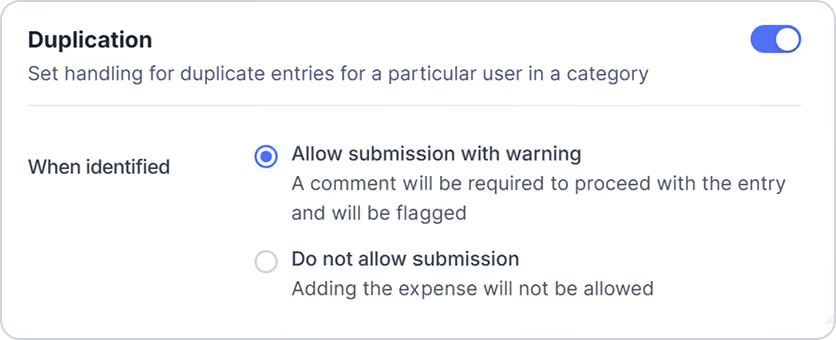
Catch Duplicate Expenses
Automatically flag potential duplicate entries submitted by the same employee in the same category.
Learn more
Assign Policies by User or Group
Apply the right expense policy to specific employees or teams so everyone follows the rules that apply to them.
Learn more
Set Spending Limits
Define maximum allowable spending by expense category to help keep employee expenses within company guidelines.
Learn more
See Violations at a Glance
Lumber automatically checks submitted expenses against assigned policies and clearly flags potential violations for review.
Learn more

More Features

Certified Payroll

Generate WH-347 and state-specific formats that meet government requirements.

Explore more

Prevailing Wage

Set up prevailing wage rates (base + fringe) by project and let Lumber handle calculations automatically.

Explore more

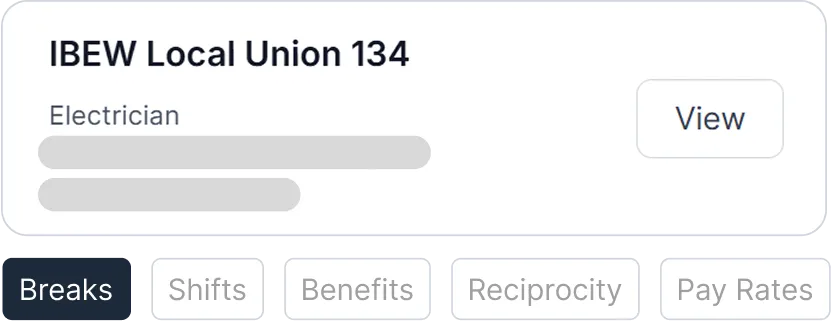
Union Payroll

Configure union pay scales, shift differentials, and fringe contributions. Accurately track deductions and benefits per collective bargaining agreements.
Explore more

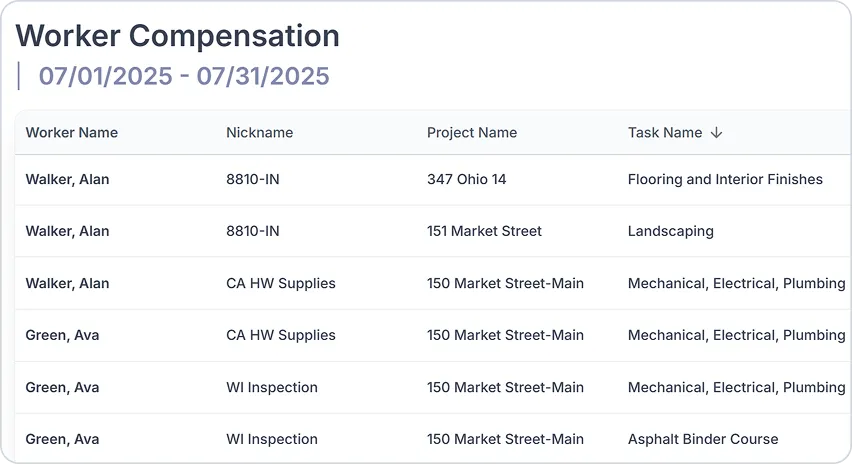
Worker Compensation

Link labor hours to job codes, classifications, and pay rates. Be ready for audits, reduce premium disputes, and keep costs under control.
Explore more

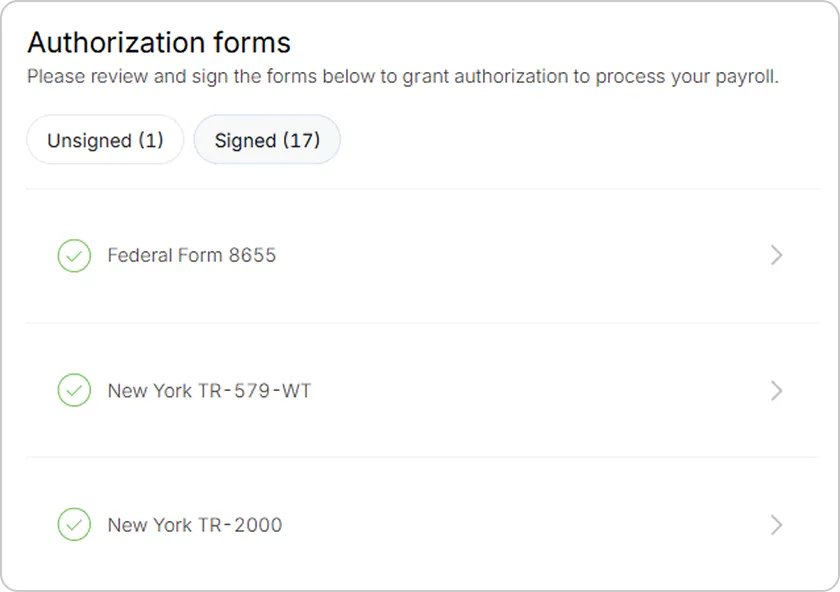
Tax Filing

With automated filings, digital records, and year-end forms delivered on time, you stay compliant and focused on the job site.
Explore more

More insights on Expense Management

How do I track different types of expenses?
You can create different expense categories based on your company's needs. Create and manage categories to organize expenses consistently across your workforce and projects.
Can I customize the information employees need to provide?
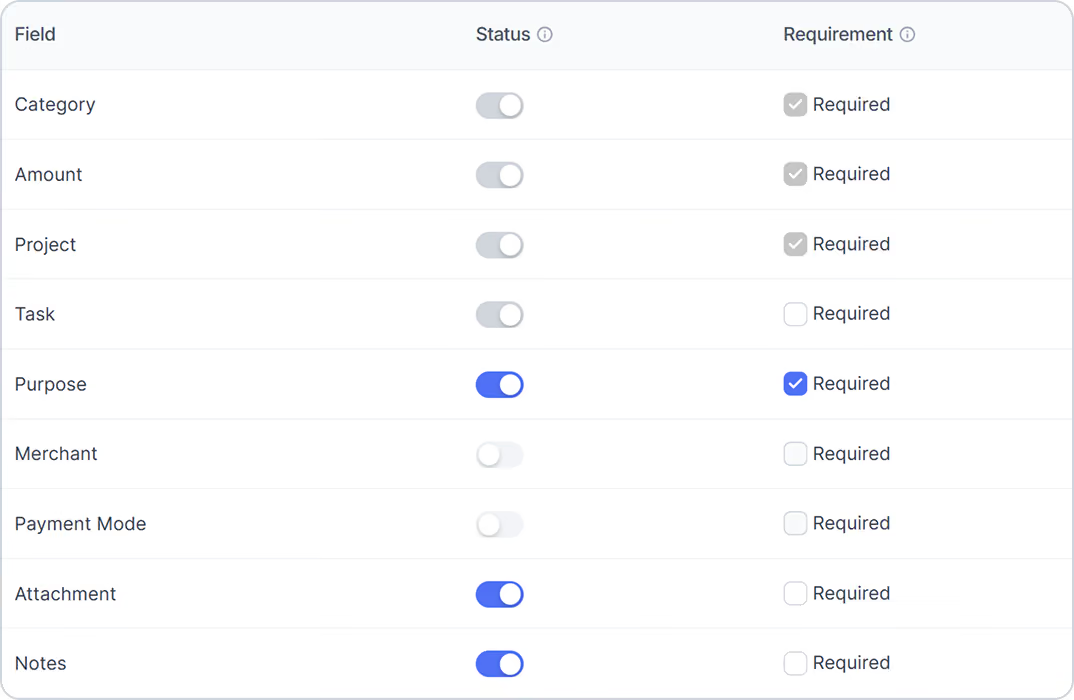
Yes. Companies can configure which expense fields are available and which are required. In addition to Category, Amount, Project, and Cost Code, you can enable fields such as Purpose, Merchant, Payment Mode, and Notes.
Can employees upload receipts?
Yes. Employees can attach supporting documents, including receipts and invoices, to their expense submissions for better recordkeeping and review.
Can expenses be tied to projects and cost codes?
Yes. Project and Cost Code are core expense fields in Lumber, allowing expenses to be connected directly to the work they're associated with and providing better visibility into job costs.
Can I set spending limits for employees?
Yes. Expense policies can include spending limits by category. When an employee submits an expense that exceeds an applicable limit, Lumber automatically flags the expense for review.
Can Lumber identify duplicate expenses?
Yes. Lumber's duplication rules can flag potential duplicate entries submitted by the same user within the same expense category, helping your team identify potential duplicate submissions.
Can I assign different expense policies to different employees?
Yes. Expense policies can be assigned to specific users or groups, allowing you to apply different spending rules across your workforce. Each user can be assigned to one expense policy.
Avatar photoAvatar photoAvatar photo

Still have questions?

Canโ€™t find the answer youโ€™re looking for? Please chat to our friendly team.
Supercharge your construction workforce
Talk to our Lumber expert to get started.
Book a demo