



Best Time Tracking App for Construction
Seamlessly capture work hours, ensure accurate wage calculations, and maintain compliance, all while empowering your crew with real-time insights and motivation.
Built for your workflow
Flexible time tracking that works across diverse crews and sites.
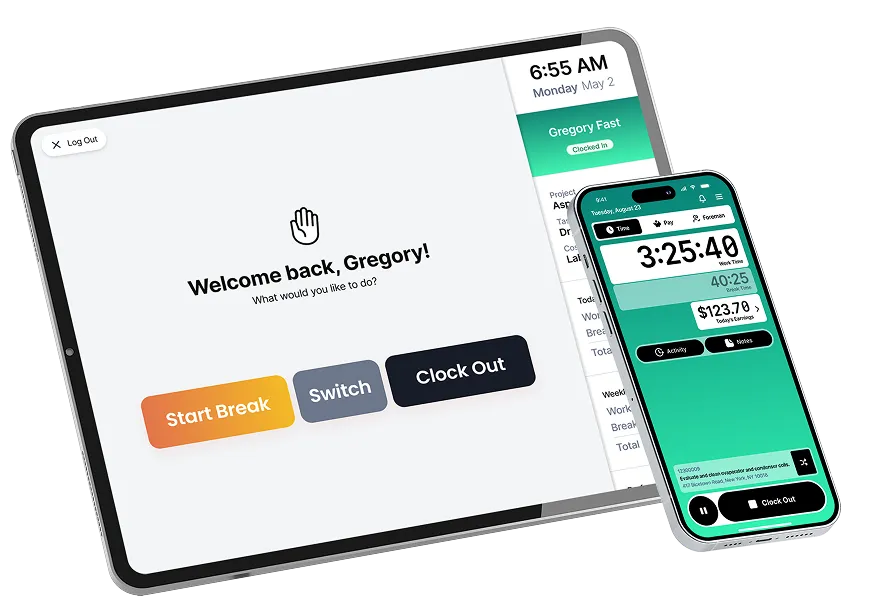
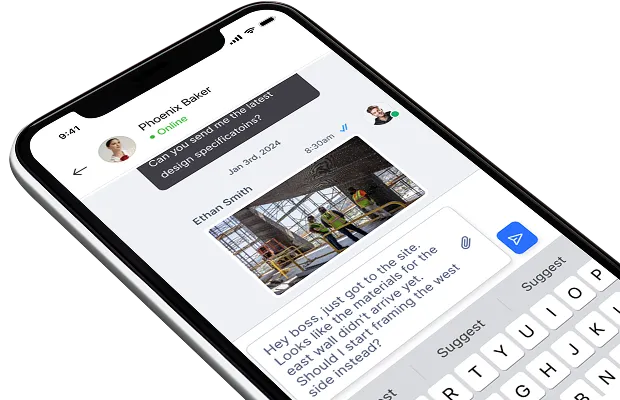
Clock in with ultimate flexibility: choose from phone, tablet, kiosk, desktop, or paper timecards.
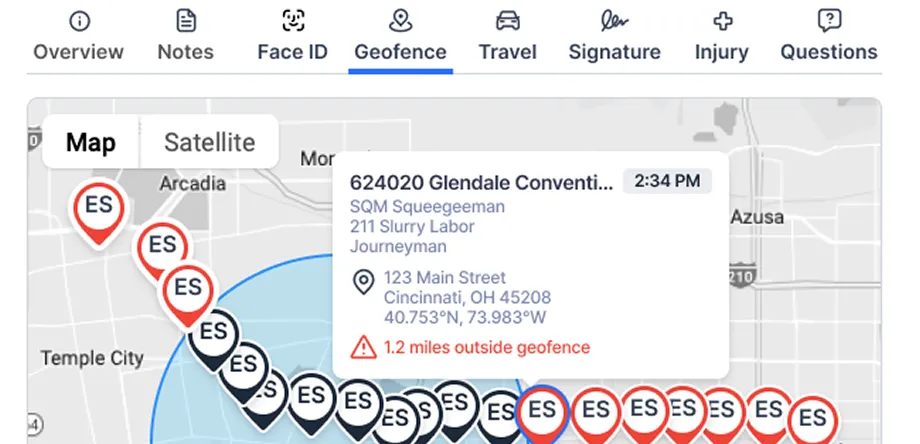
Prevent time fraud and gain real-time workforce visibility by setting virtual job site boundaries.
Capture time seamlessly, even without an internet connection, automatically syncing data once online.

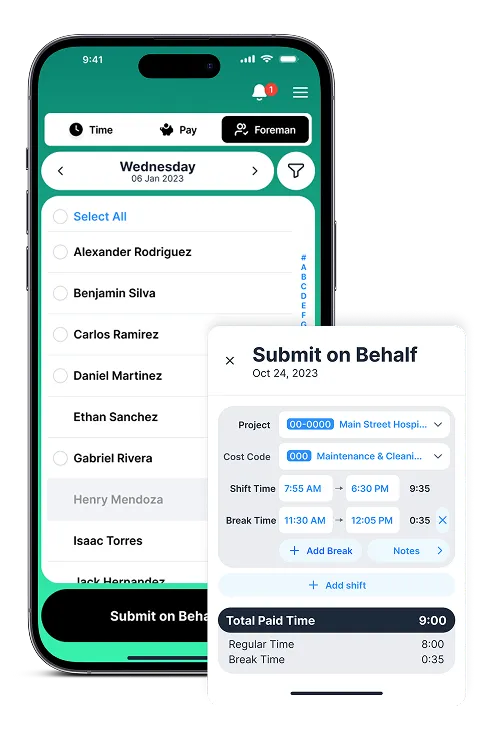
Empower foremen to clock in entire crews and manage team members directly from the field.
Submit, track, and approve PTO requests effortlessly for streamlined workforce planning.


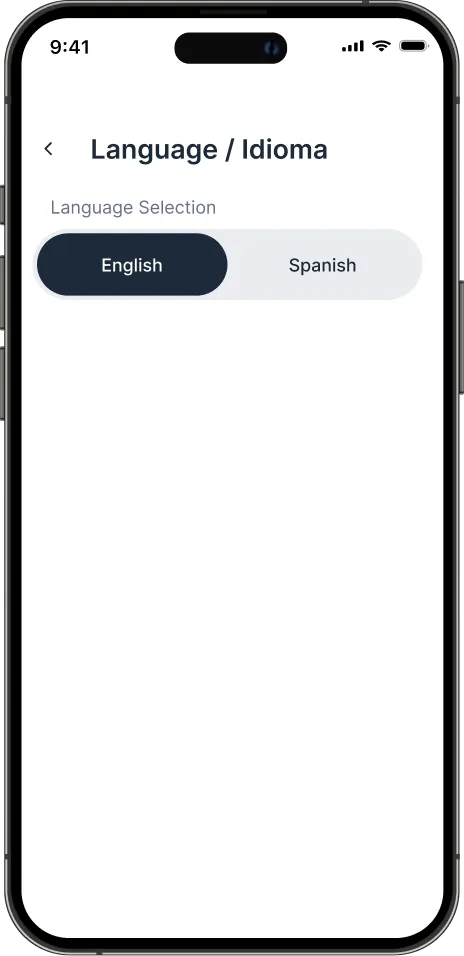

How a premier drywall installation company in California increased 25% in project productivity and 8-12% reduction in labor costs with Lumber Time Tracking


%201%20%5BVectorized%5D%20(1).avif)


Right crews. Right jobs. Right time.
Schedule your teams with drag-and-drop simplicity. Assign workers based on skills, certifications, availability and proximity.
.avif)
Capture more than just time.
Capture quantities and jobsite data once in the field and put it to work across your business and downstream workflows.
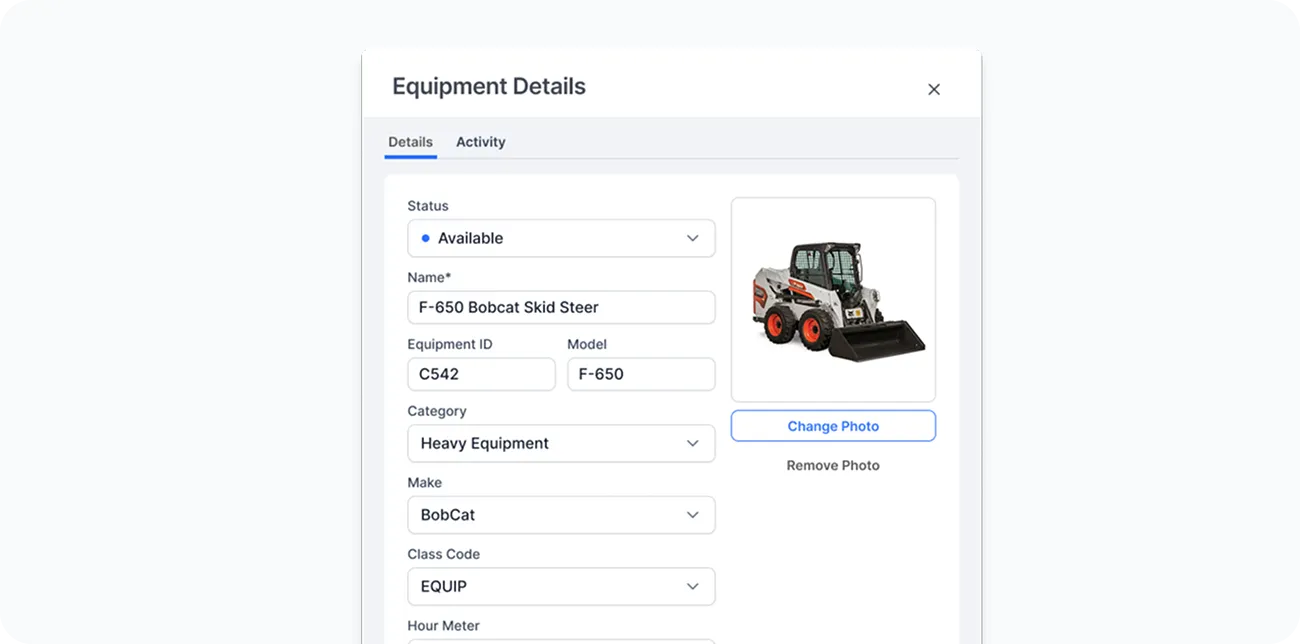
Keep your fleet in check.
Track equipment usage, location, maintenance, and assignments directly from the field.
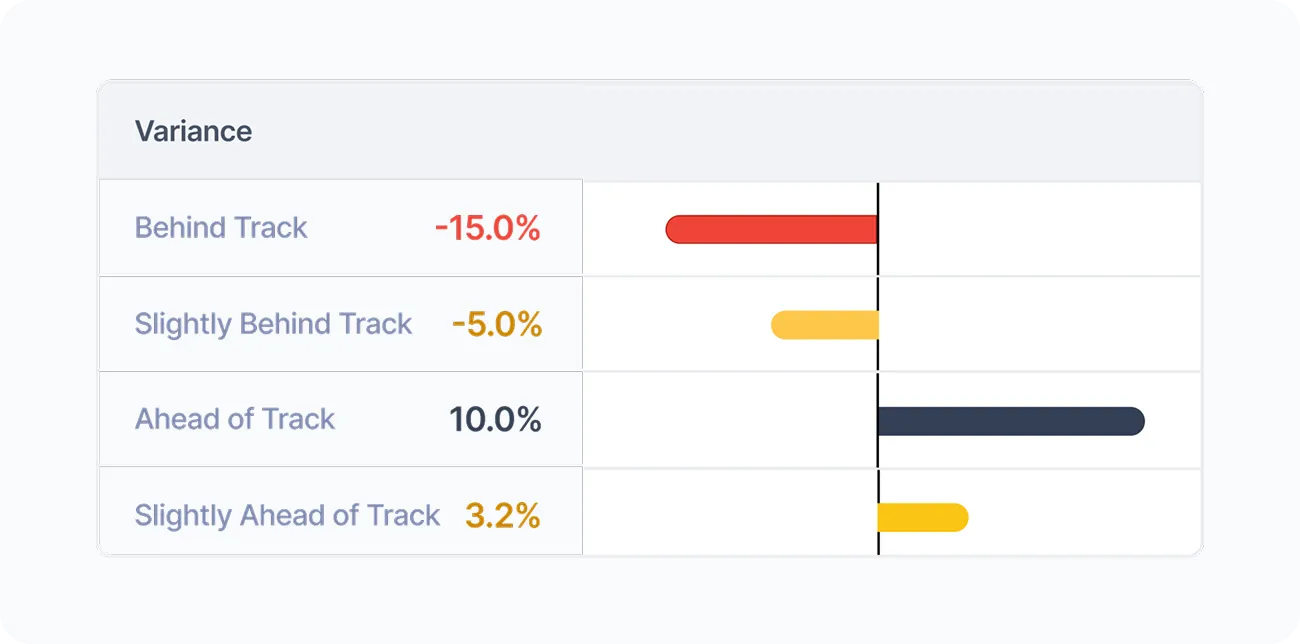
Turn work hours into insights.
Capture daily production quantities, crew performance, and job progress all in one place.
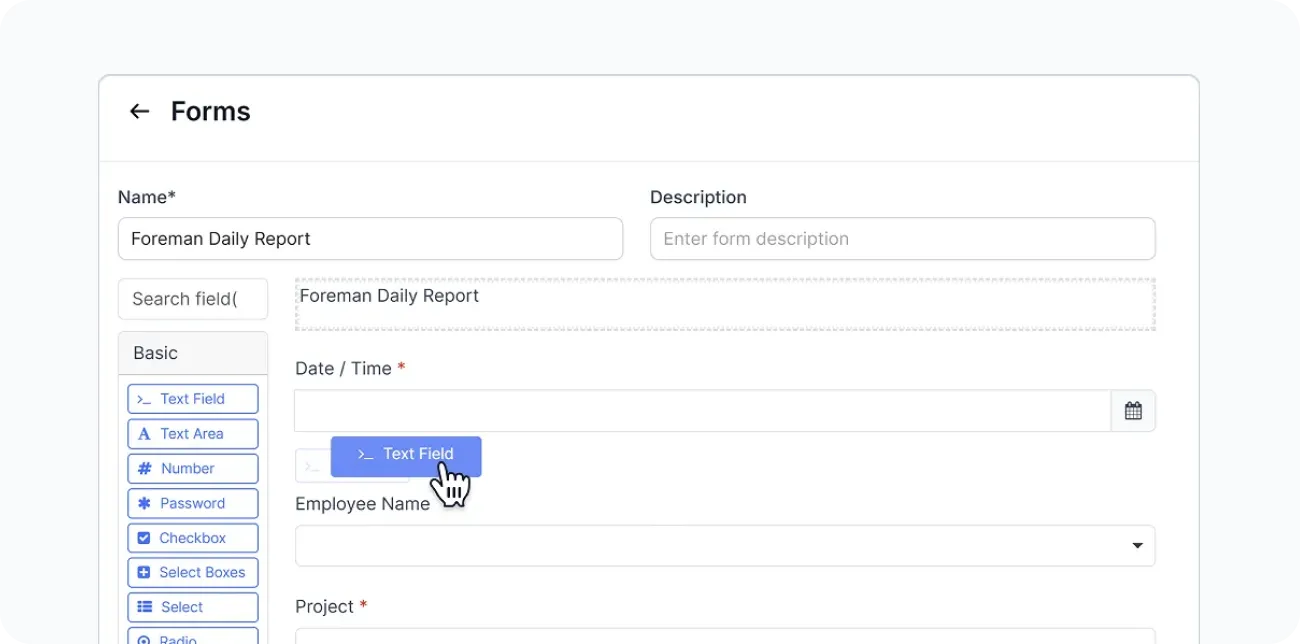
Field-Ready Smart Forms
Centralize, standardize, and automate construction compliance documentation toreduce risk and streamline operations.

Track labor costs—as work happens.
Connect time tracking and payroll data directly into job costing reports.

Safer crews. Fewer incidents. Lower EMR.
Proactively protect your crews with built-in safety checks, certifications, and real-time reporting—right from the field.

Turn hard work into high morale
Keep crews engaged and motivated with real-time recognition for hard work and milestones on every job.






.webp)



The Strategic Advantages of Lumber Time Tracking

Explore more
Lumber goes beyond field productivity to power your entire workforce operation.
Payroll
AI-powered construction payroll with prevailing wage, union rules, job costing, and audit-ready compliance.
HR & Benefits
Streamline hiring, onboarding, credential management, and benefits—all in one system.
More insights on Lumber Time Tracking



Still have questions?

