HRIS for Construction Companies: A Buyer’s Checklist for 2026

.avif)


A crew shows up for a prevailing wage job on Monday morning. The foreman finds out one welder’s certification expired two weeks ago and another new hire never finished Form I-9 Section 2. The superintendent scrambles to pull records from three different systems: a spreadsheet for certifications, a filing cabinet for onboarding paperwork, and a payroll platform that has no idea who is even on-site that day. That morning costs the company a delayed inspection, a frustrated project manager, and a very real compliance exposure.
This is the daily reality for construction companies still running HR on spreadsheets, email chains, and disconnected software. An HRIS (Human Resources Information System) is supposed to fix this by centralizing hiring, onboarding, credentials, benefits, and employee data in one place. But most HRIS platforms are built for office-based companies with stable headcounts and single-location payrolls. Construction is different: multi-state jobs, prevailing wage requirements, union and non-union crews, high turnover, and a workforce that is often mobile and only reachable by phone.
This article walks through what construction business owners, HR professionals, payroll managers, and compliance leaders should look for when evaluating an HRIS in 2026, and where a construction-specific platform earns its keep over a generic one.
Key Takeaways
- Generic HRIS platforms are not built for multi-state, multi-project construction workforces and often require expensive workarounds.
- Applicant tracking, onboarding, credential management, and benefits administration should function as one connected system, not four separate tools.
- Form I-9 and E-Verify compliance, state new hire reporting, and SSN data security are non-negotiable requirements, not optional add-ons.
- Credential and certification tracking is one of the biggest differentiators between construction HRIS software and general-purpose HR tools.
- ACA compliance is especially complex for construction because of variable-hour employees, making automated eligibility tracking essential.
- Integration between HR data and payroll, job costing, and time tracking eliminates duplicate entry and reduces payroll errors.
- Look for role-based data security, especially around Social Security Numbers and account information.
- Buyers should evaluate total cost of ownership, not just software price, including implementation time and ongoing compliance support.
Why Generic HR Software Falls Short for Contractors
Most mainstream HRIS platforms were designed around a single office, a relatively stable employee roster, and a workweek that looks the same every week. Construction breaks all three assumptions. Crews move between job sites and even between states. Headcount swings with the seasons and the project pipeline. Pay rates change by trade, project, and jurisdiction, sometimes within the same pay period.
That mismatch shows up in a few predictable ways. Contractors end up bolting on spreadsheets to track licenses and certifications because the HRIS has no field for it. HR teams re-key employee data into a separate payroll system because the two platforms do not talk to each other. And when a state audit or an E-Verify case comes up, nobody is confident the paperwork is actually complete.
A construction-specific HRIS closes these gaps by building trade certifications, multi-state compliance, and payroll integration into the core product rather than treating them as afterthoughts.
The 2026 HRIS Buyer’s Checklist
1. Applicant Tracking Built for Skilled Trades
Hiring in construction is not just about collecting resumes. It’s about filling trade-specific roles quickly, often under deadline pressure from an active job. Look for:
- A branded careers page that reflects your company and job openings
- AI-assisted job descriptions and pay rate benchmarking by title, trade, and location
- Resume screening that highlights relevant certifications and experience
- Employee referral tracking, since referrals remain one of the strongest hiring channels in the trades
- A single dashboard to track candidates from application through offer
2. Paperless Onboarding With I-9 and E-Verify Built In
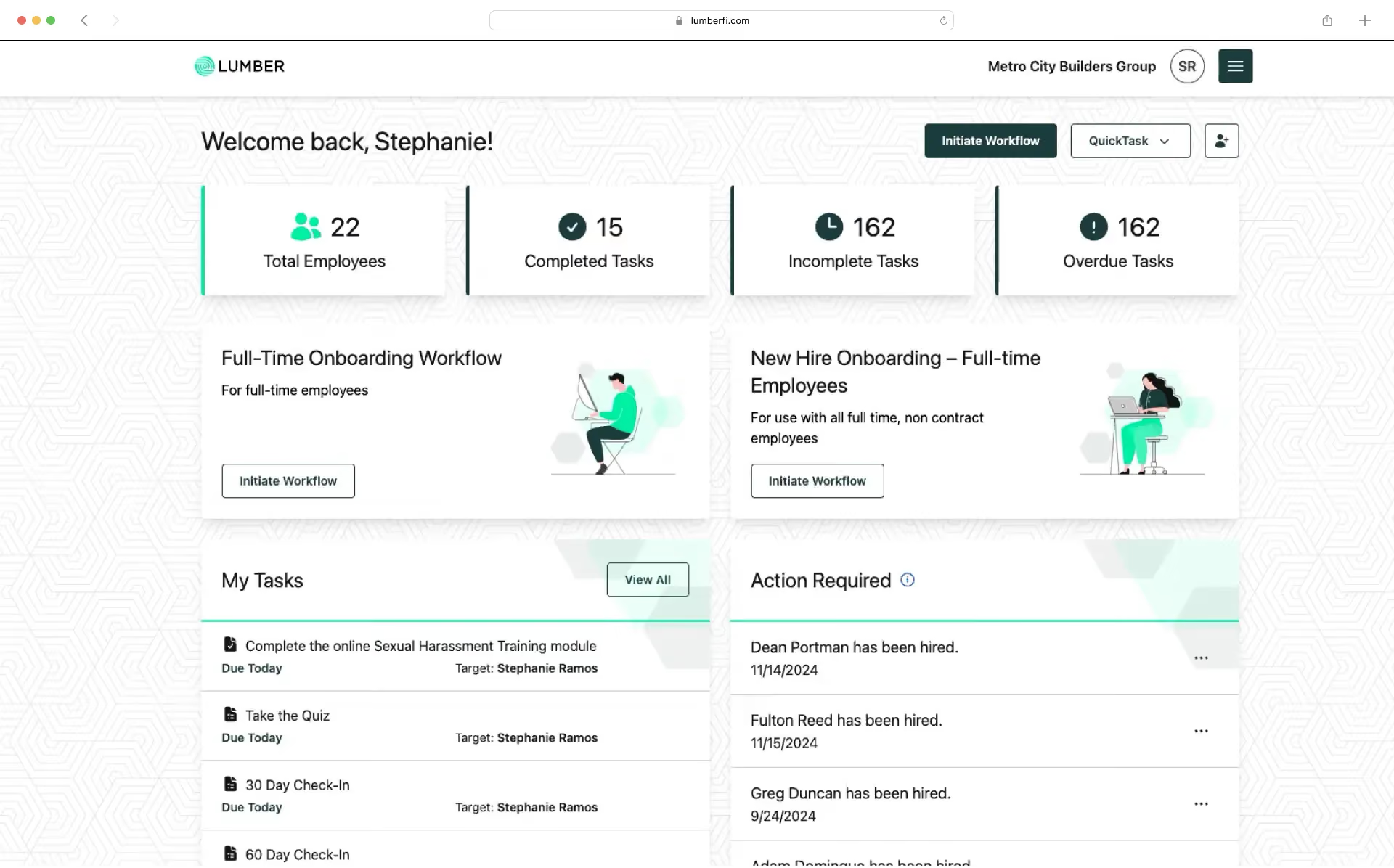
Onboarding is where compliance risk concentrates. Federal law requires every U.S. employer to complete Form I-9 for each new hire to verify identity and employment authorization, and the process runs on strict timelines.
Under federal rules, the employee must complete Form I-9 Section 1 no later than their first day of work, and the employer must examine original documents and complete Section 2 within three business days of that start date. Employers participating in E-Verify must submit the case no later than the third business day after the employee begins work, and any later submission requires a documented reason for the delay.
Your HRIS should:
- Let employees complete Section 1 digitally from any device before day one
- Route document review and employer attestation to an admin with a clear three-day countdown
- Submit E-Verify cases directly from the platform and surface results (Employment Authorized, Tentative Nonconfirmation, or a referral for additional verification) without switching systems
- Store I-9 records for the legally required retention period, generally three years from the date of hire or one year after employment ends, whichever is later
- Support digital signatures for offer letters, handbooks, and safety policies
- Automate new hire reporting to the state directory required under federal law, which generally must occur within 20 calendar days of hire (some states require faster reporting, so confirm your state’s specific deadline)
3. Credential and Certification Management
This is where construction HRIS software diverges most sharply from generic platforms. A journeyman electrician’s license, an OSHA 30 card, a crane operator certification, or an NCCER credential all have expiration dates, and letting one lapse can shut down a crew or trigger a fine during an inspection.
Look for a system that:
- Centralizes every license, certification, and training record per employee in one dashboard
- Sends automated renewal reminders before credentials expire, not after
- Lets workers upload renewed documents or complete training directly from a mobile device
- Flags credential gaps before a project manager or auditor finds them
- Supports both union and non-union workforce tracking side by side
4. Benefits Administration That Understands Variable Hours
Construction workforces are seasonal, project-based, and often mix hourly, salaried, and per-project workers. Generic benefits platforms tend to assume steady, predictable hours, which creates problems for Affordable Care Act (ACA) compliance.
Under the ACA employer shared responsibility provisions, applicable large employers must track full-time equivalent status and offer affordable, minimum-value coverage or risk penalties. For a workforce with fluctuating weekly hours, that tracking has to happen every pay period, not once a year. A construction-ready HRIS should automate:
- Full-time status determination based on actual hours worked
- Affordability calculations against employee wages
- Preparation and distribution of Forms 1094-C and 1095-C
- COBRA notices and enrollment for departing employees
- Payroll deduction sync so benefits elections flow into paychecks automatically
5. Reporting, Data Security, and Audit Readiness
HR data feeds compliance reporting far beyond payroll. Your HRIS should generate reports such as an Employee Census Report, EEO-1, headcount and years-of-service reports, and a Work Authorization Report without manual data pulls. Just as important is how the system protects Social Security Numbers and account details. Admins should be able to mask or unmask sensitive fields at the company level, control which roles can view unmasked data, and maintain a log of who generated which report and when, for audit purposes.
6. Native Integration With Payroll and Job Costing
An HRIS that lives apart from payroll creates duplicate data entry and reconciliation headaches. When HR data, pay rates, and benefits deductions sync automatically with payroll and job costing, hours worked on a job site tie directly to the right cost code, and pay rate changes made in HR don’t require a second update in payroll.
The table below compares what a generic HRIS typically offers against what a construction-specific HRIS is built to handle.
Generic platforms can still work for office-only construction teams, but for field-heavy operations, the gaps in trade-specific tracking and payroll integration tend to resurface as manual workarounds within the first year.
Common Mistakes When Buying HRIS Software
- Choosing based on price alone, without accounting for the hours HR staff will spend on manual workarounds
- Assuming a payroll provider’s basic HR module covers credential tracking or ACA compliance
- Skipping a demo with a real, messy dataset (multiple job sites, mixed employment types) instead of a clean sample
- Failing to confirm whether the platform supports both union and non-union employee classifications
- Not asking how SSN and account data are protected and who can see them
Choosing an HRIS in 2026 comes down to matching the software to how construction companies actually operate: multiple job sites, shifting crews, trade certifications with real expiration dates, and compliance deadlines measured in days, not months. A platform that treats these as core requirements, rather than add-ons, will save far more time than its sticker price suggests.
Start by mapping your current pain points, whether that’s expired certifications slipping through, I-9 paperwork piling up, or ACA tracking done on a spreadsheet, and use that list to evaluate vendors against your actual workflow, not a generic feature checklist.
Lumber brings applicant tracking, paperless onboarding with built-in I-9 and E-Verify, credential management, and benefits administration into one system that’s connected to payroll and job costing, so HR data and compliance records stay in sync without duplicate entry.
Frequently Asked Questions
Is Form I-9 required for every construction employee, including subcontracted labor?
Form I-9 is required for every individual an employer directly hires to work in the United States, including U.S. citizens. It applies to employees on your payroll, not to workers employed by a separate subcontracting company, since that company is responsible for its own employees’ I-9 forms. If your company brings on new W-2 hires for a project, each one needs a completed I-9, and if you participate in E-Verify, each one typically needs a case submitted within three business days of their start date.
How long do we need to keep I-9 records?
Employers must retain each employee’s Form I-9 for three years from the date of hire or one year after employment ends, whichever date is later. Many contractors keep these records in a centralized onboarding system so they are retrievable instantly during a Department of Homeland Security or Immigration and Customs Enforcement audit, rather than searching paper files across job sites.
What is new hire reporting and does it apply to every state?
New hire reporting requires employers to report basic information on newly hired and rehired employees to a state directory, which is used primarily to help enforce child support obligations. Federal law generally sets a 20 calendar day reporting window, but exact deadlines and required data fields vary by state, so multi-state contractors should verify the specific requirements in each state where they employ workers.
Why does ACA compliance matter more for construction companies than other industries?
Construction workforces often have fluctuating weekly hours due to project timelines, weather, and seasonal work. The ACA’s employer shared responsibility rules require applicable large employers to determine full-time status based on actual hours worked, which is harder to track accurately when hours vary from week to week. Misclassifying a variable-hour employee’s status can trigger IRS penalties, making automated, pay-period-level hour tracking valuable for avoiding costly errors.
Can one HRIS handle both union and non-union crews?
Yes, a construction-focused HRIS should let you classify and manage union and non-union employees within the same system, including tracking union or trade memberships as part of an employee’s credential record. This matters for reporting accuracy and for keeping benefits, pay rates, and compliance rules correctly applied to each group.
Lorem ipsum dolor sit amet, consectetur adipiscing elit. Donec ullamcorper mattis lorem non. Ultrices praesent amet ipsum justo massa. Eu dolor aliquet risus gravida nunc at feugiat consequat purus. Non massa enim vitae duis mattis. Vel in ultricies vel fringilla.
Introduction
Mi tincidunt elit, id quisque ligula ac diam, amet. Vel etiam suspendisse morbi eleifend faucibus eget vestibulum felis. Dictum quis montes, sit sit. Tellus aliquam enim urna, etiam. Mauris posuere vulputate arcu amet, vitae nisi, tellus tincidunt. At feugiat sapien varius id.
Eget quis mi enim, leo lacinia pharetra, semper. Eget in volutpat mollis at volutpat lectus velit, sed auctor. Porttitor fames arcu quis fusce augue enim. Quis at habitant diam at. Suscipit tristique risus, at donec. In turpis vel et quam imperdiet. Ipsum molestie aliquet sodales id est ac volutpat.


Ipsum sit mattis nulla quam nulla. Gravida id gravida ac enim mauris id. Non pellentesque congue eget consectetur turpis. Sapien, dictum molestie sem tempor. Diam elit, orci, tincidunt aenean tempus. Quis velit eget ut tortor tellus. Sed vel, congue felis elit erat nam nibh orci.

Dolor enim eu tortor urna sed duis nulla. Aliquam vestibulum, nulla odio nisl vitae. In aliquet pellentesque aenean hac vestibulum turpis mi bibendum diam. Tempor integer aliquam in vitae malesuada fringilla.
Elit nisi in eleifend sed nisi. Pulvinar at orci, proin imperdiet commodo consectetur convallis risus. Sed condimentum enim dignissim adipiscing faucibus consequat, urna. Viverra purus et erat auctor aliquam. Risus, volutpat vulputate posuere purus sit congue convallis aliquet. Arcu id augue ut feugiat donec porttitor neque. Mauris, neque ultricies eu vestibulum, bibendum quam lorem id. Dolor lacus, eget nunc lectus in tellus, pharetra, porttitor.
Ipsum sit mattis nulla quam nulla. Gravida id gravida ac enim mauris id. Non pellentesque congue eget consectetur turpis. Sapien, dictum molestie sem tempor. Diam elit, orci, tincidunt aenean tempus. Quis velit eget ut tortor tellus. Sed vel, congue felis elit erat nam nibh orci.
Mi tincidunt elit, id quisque ligula ac diam, amet. Vel etiam suspendisse morbi eleifend faucibus eget vestibulum felis. Dictum quis montes, sit sit. Tellus aliquam enim urna, etiam. Mauris posuere vulputate arcu amet, vitae nisi, tellus tincidunt. At feugiat sapien varius id.
Eget quis mi enim, leo lacinia pharetra, semper. Eget in volutpat mollis at volutpat lectus velit, sed auctor. Porttitor fames arcu quis fusce augue enim. Quis at habitant diam at. Suscipit tristique risus, at donec. In turpis vel et quam imperdiet. Ipsum molestie aliquet sodales id est ac volutpat.
Mi tincidunt elit, id quisque ligula ac diam, amet. Vel etiam suspendisse morbi eleifend faucibus eget vestibulum felis. Dictum quis montes, sit sit. Tellus aliquam enim urna, etiam. Mauris posuere vulputate arcu amet, vitae nisi, tellus tincidunt. At feugiat sapien varius id.
Eget quis mi enim, leo lacinia pharetra, semper. Eget in volutpat mollis at volutpat lectus velit, sed auctor. Porttitor fames arcu quis fusce augue enim. Quis at habitant diam at. Suscipit tristique risus, at donec. In turpis vel et quam imperdiet. Ipsum molestie aliquet sodales id est ac volutpat.
- Lectus id duis vitae porttitor enim gravida morbi.
- Eu turpis posuere semper feugiat volutpat elit, ultrices suspendisse. Auctor vel in vitae placerat.
- Suspendisse maecenas ac donec scelerisque diam sed est duis purus.
Lectus leo massa amet posuere. Malesuada mattis non convallis quisque. Libero sit et imperdiet bibendum quisque dictum vestibulum in non. Pretium ultricies tempor non est diam. Enim ut enim amet amet integer cursus. Sit ac commodo pretium sed etiam turpis suspendisse at.
Tristique odio senectus nam posuere ornare leo metus, ultricies. Blandit duis ultricies vulputate morbi feugiat cras placerat elit. Aliquam tellus lorem sed ac. Montes, sed mattis pellentesque suscipit accumsan. Cursus viverra aenean magna risus elementum faucibus molestie pellentesque. Arcu ultricies sed mauris vestibulum.

Critical Construction Compliance | Awareness Week
Mar 16, 2026
Apr 15, 2026
Nov 30, 2026
Dec 15, 2026
Essential resources for contractors