





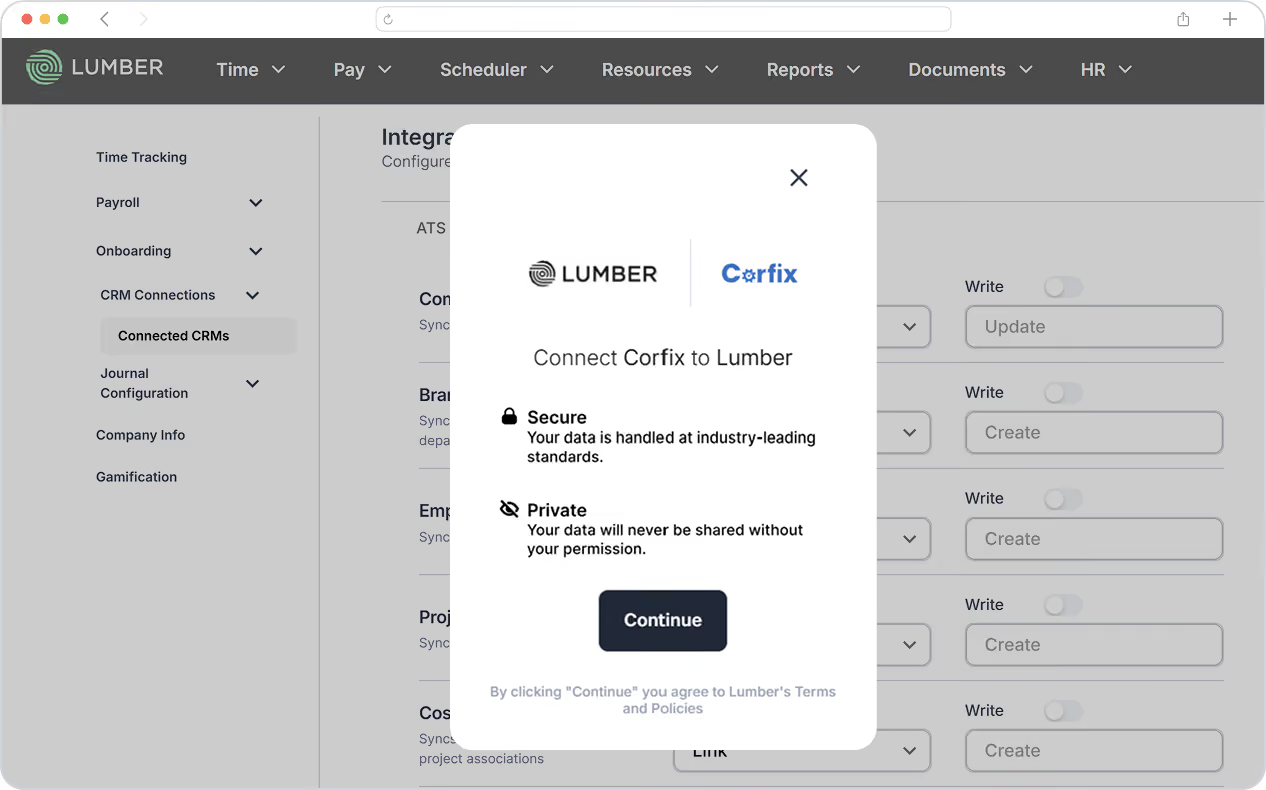
How it works
From field time to payroll, without the manual handoff.
Why integrate Lumber & Corfix?
Corfix captures the work. Lumber turns it into payroll.
Eliminate Double Data Entry
Keep worker, project, cost code, and timecard data flowing between systems automatically.
Tell me more

Pay From Field-captured Hours
Bring timecards captured in Corfix directly into Lumber as timesheets for payroll processing.
Tell me more
Keep Employee Records in Sync
Bi-directional worker syncing keeps employee information aligned across Corfix and Lumber.
Tell me more
Connect Time to Job Costs
Bring projects, cost codes, and timecards together in Lumber for more connected payroll and cost management.
Tell me more
Reduce Payroll Errors
Use field-captured timecards as the single source of hours for payroll, reducing manual entry and rekeying.
Tell me more
Keep Your Systems Up to Date
Automated syncing keeps critical data current throughout the day—without spreadsheets or manual uploads.
Tell me more
Frequently asked questions
Everything you need to know about the integration.
What does the Lumber + Corfix integration do?
The integration connects Corfix and Lumber so key construction data can flow between the two systems. Workers, projects, cost codes, and timecards can be synced, helping connect field operations with payroll and job cost management.
What data is synced between Corfix and Lumber?
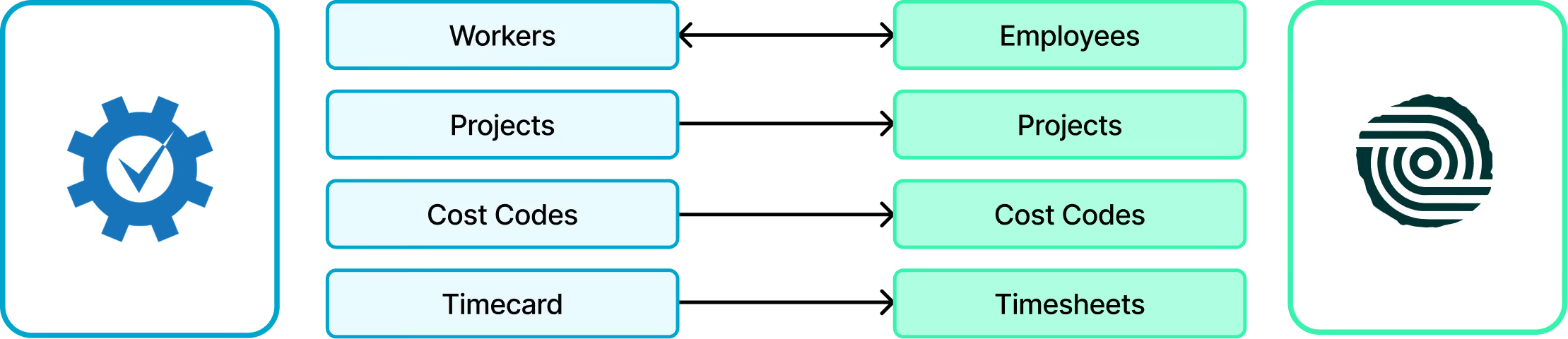
The integration supports four key objects: Workers, Projects, Cost Codes, and Timecards. Workers sync bi-directionally, while projects, cost codes, and timecards flow from Corfix into Lumber.
How does worker syncing work?
Worker records sync bi-directionally between Corfix and Lumber. Corfix Workers are created as Employees in Lumber, helping keep employee information aligned across both systems.
How are projects and cost codes synced?
Projects and cost codes are pulled from Corfix into Lumber. This helps ensure payroll and job costing in Lumber use the same project and cost-code structure as your field operations.
How do timecards work with the integration?
Timecards captured in Corfix are imported into Lumber as Timesheets. These synced hours are used for payroll processing and job cost tracking.
Can I process payroll using Corfix timecards?
Yes. Once timecards are synced from Corfix into Lumber as Timesheets, Lumber uses those hours as the source of hours for payroll processing.
Who is the Lumber + Corfix integration best for?
The integration is particularly useful for general contractors, specialty contractors, and construction companies managing multiple crews or projects that want to connect field time capture with payroll and job costing.
Does the integration eliminate manual data entry?
It significantly reduces the need to manually re-enter workers, projects, cost codes, and timecards between systems, helping your field, payroll, and operations teams spend less time moving data.

.avif)