





Why Integrate
What the integration does for your team
Your project team keeps working in Procore. Your field and payroll teams keep working in Lumber. The data between them stops being anyone's job.
Set up once, in Procore
Projects, cost codes, cost types, tasks and equipment are created in Procore and appear in Lumber. No duplicate setup and no drift between lists.
Tell me more

Labor cost you can attribute
Field time captured in Lumber carries its Procore project, cost code and classification, so job cost reporting reflects real labor.
Tell me more
One directory, two systems
Employee records move in both directions, so nobody maintains two lists. Payroll-only details like Hire Date stay in Lumber.
Tell me more
Approved time flows back
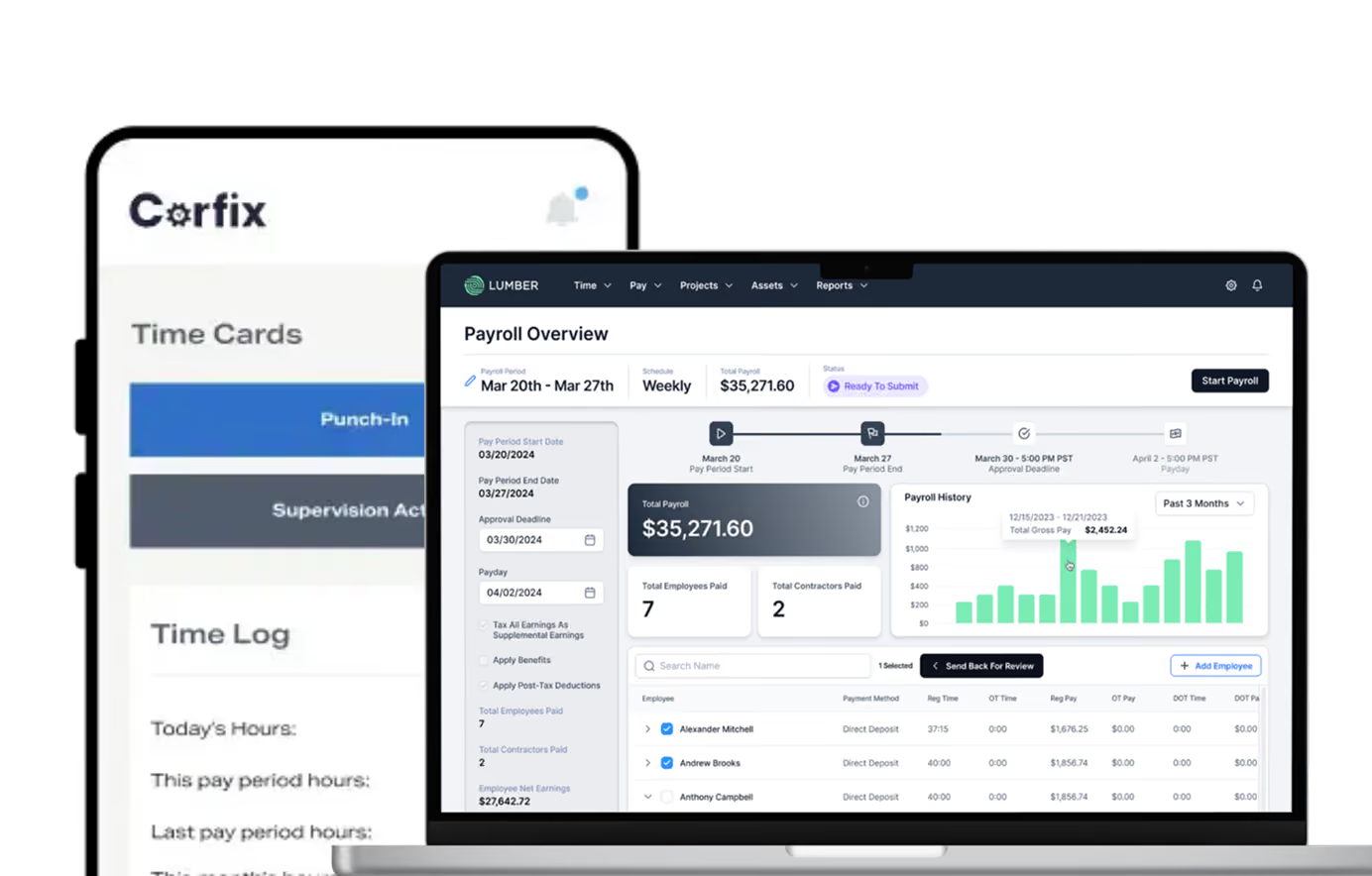
Time captured and approved in Lumber is pushed back to Procore, so job costing reflects the approved labor record, not a draft.
Tell me more
Who It’s For
Built for contractors who run projects in Procore
General Contractors

Keep Procore as the source for every project
See self-performed labor against the right cost codes
Push approved hours back for current job cost
Run payroll without re-entering timesheets
Specialty Contractors
Track crew time by task and equipment
Tie field hours to Procore cost types
Approve time in the field before it posts
Keep one employee directory across both tools
Prevailing Wage & Union Work
Capture hours with project and classification attached
Run certified payroll from the same time record
Handle union and prevailing wage pay rules in Lumber
Keep Procore job costing aligned with what was paid
Frequently asked questions
Everything you need to know about the integration.
What data syncs between Procore and Lumber?
Seven records: projects, cost codes, cost types, tasks and equipment flow from Procore to Lumber. Employees and timesheets sync both ways.
Where should we set up new projects?
In Procore. Projects, cost codes, cost types, tasks and equipment are created in Procore and appear in Lumber automatically, so there's no duplicate setup.
Does approved time go back to Procore
Yes. Time captured and approved in Lumber is pushed back to Procore with its project, cost code and classification, so job costing reflects the approved labor record.
Can Procore run our payroll?
No. Procore doesn't process payroll or keep a general ledger. Lumber runs payroll and certified payroll from the same time record that syncs back to Procore.
What do we need to connect?
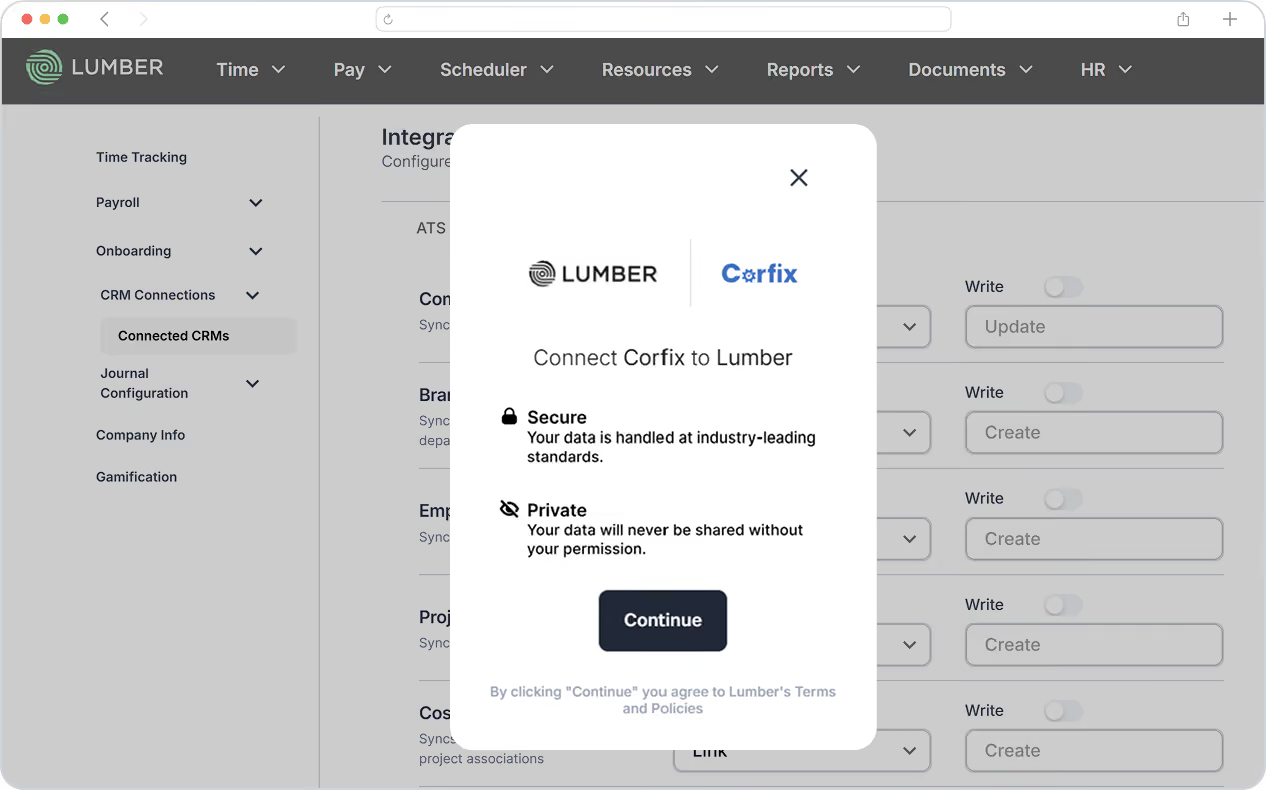
A Procore admin creates an app named "Lumber" in the Procore Developer Portal, configures the Data Connector, and shares the Client ID, Client Secret and Redirect URL with Lumber.
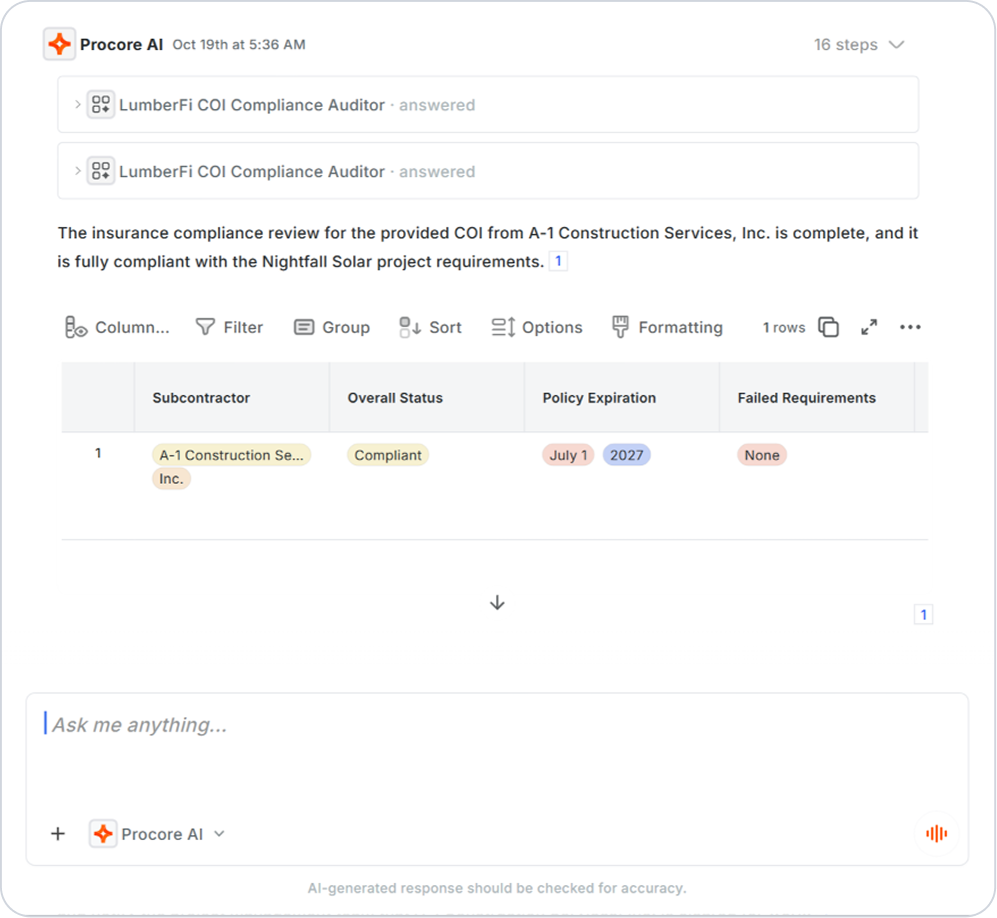
What is Lumber COI Agent?
An AI agent on the Procore Agent Marketplace that reads subcontracts and Certificates of Insurance, compares coverage against each subcontract's requirements, and flags missing, expired or insufficient coverage. Your team reviews every flag and makes the final decision.
Connect Procore to Lumber
Keep projects in Procore, run time and payroll in Lumber, and let approved labor flow back on its own. See it with your own projects and cost codes.
Book a demo