Certified Payroll

Automated Certified Payroll Reporting

Certified payroll reports — done in minutes, not hours.

Whether you're managing one public project or hundreds across multiple states, Lumber keeps your certified payroll reports aligned with prevailing wage standards at all times.

Powered by Lumber CPR Agent

Submission-Ready Reports

Create reports in editable PDF, XML, or CSV for instant submission or recordkeeping.

Whether you’re submitting to LCP, DIR, eMars, Elation, or other government systems, Lumber ensures your reports are consistently accurate and submission-ready.

LumberAI
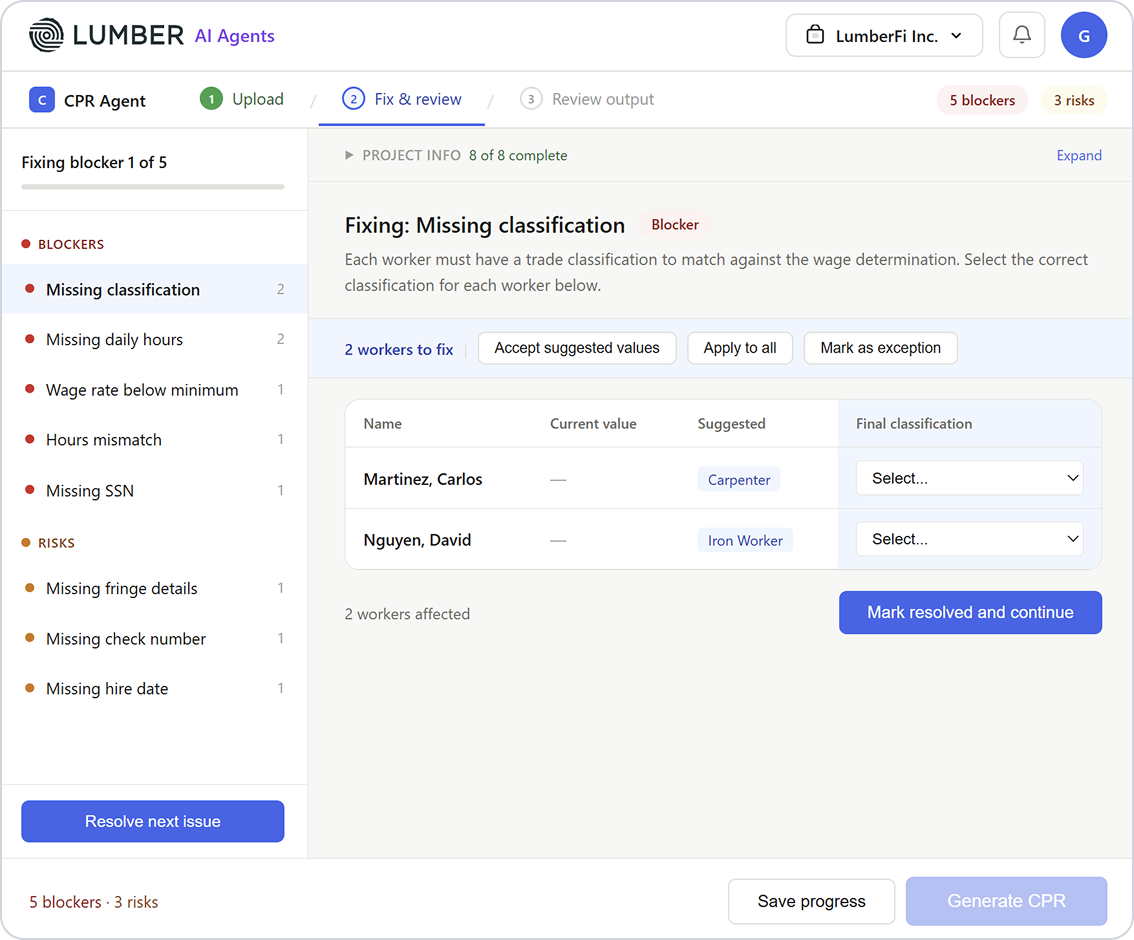
Catch mistakes before they become compliance issues.
Lumber AI scans your certified payroll data in real time to identify missing entries, anomalies, or potential compliance violations.

Review Report

Your reports are automatically generated and formatted. Make adjustments if needed.

Export & Submit

Export in PDF, XML, or CSV and submit directly to the relevant government agency.

Stay Audit-Ready

All reports are stored digitally, complete with time-stamped employee records, pay rates, and classification for quick access anytime.

Real-Time Prevailing Wage Intelligence
Lumber continuously ingests federal and state prevailing wage determinations, and continuously applies the correct rates based on:
  • Project location
  • Labor classification
  • Craft and trade
  • Contract-specific wage schedules
So every job is always tied to the right prevailing wage baseline.
Book a demo
Automated Wage Validation
Lumber validates payroll against prevailing wage requirements before certified payroll reports are generated.
The system automatically verifies:
  • Correct prevailing wage rate
  • Fringe benefit requirements
  • Overtime calculations
  • Classification assignment
  • Apprentice and journeyman rates
  • Project-specific wage requirements
Book a demo

Trusted by Contractors Running Certified Payroll

Create reports in editable PDF, XML, or CSV for instant submission or recordkeeping.

From federal infrastructure to state-funded projects, see why contractors rely on Lumber to stay compliant with prevailing wage requirements.


×

Why Lumber for Certified Payroll Reporting?

Automated Compliance
Configure state and project-specific prevailing wage rules, and let Lumber automatically calculate hours, pay rates, and fringe benefits.
Error Reduction
Minimize human error with AI-powered validation of hours, classifications, and deductions to ensure accurate reporting every time.
Time Savings
Generate comprehensive certified payroll reports in minutes instead of hours, freeing your team to focus on the job site.
Ready for Submission
Export reports in standard formats ready for submission to government agencies or upload directly through your agency portals.
Audit-Ready Records
Maintain an organized, centralized history of reports, employee timesheets, and pay data to simplify audits or compliance reviews.
Seamless Integration
Works directly with Lumber time tracking, payroll, and HR modules to ensure accurate, up-to-date data across all your systems.

More Features

Prevailing Wage

Set up prevailing wage rates (base + fringe) by project and let Lumber handle calculations automatically.

Explore more

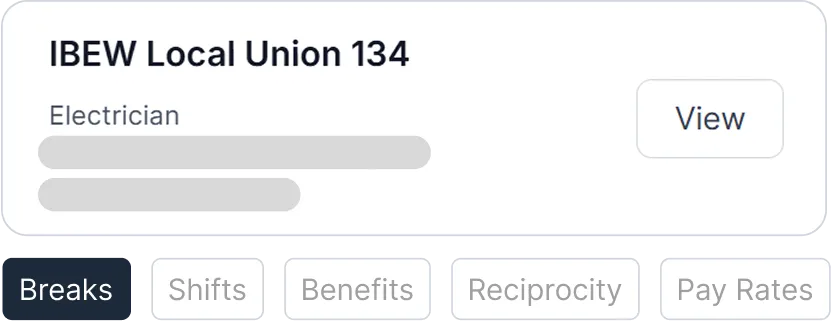
Union Payroll

Configure union pay scales, shift differentials, and fringe contributions. Accurately track deductions and benefits per collective bargaining agreements.
Explore more

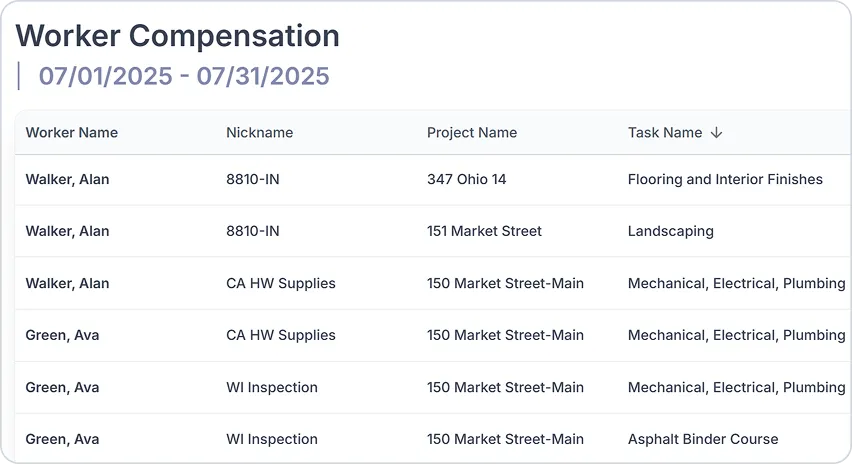
Worker Compensation

Link labor hours to job codes, classifications, and pay rates. Be ready for audits, reduce premium disputes, and keep costs under control.
Explore more

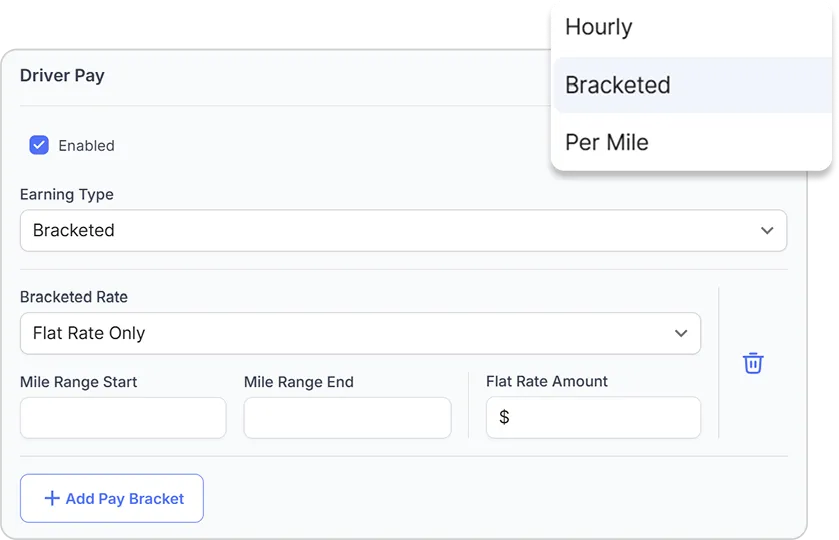
Expense Management

From per diem allowances to mileage reimbursements, Lumber gives you configurable policies by project, union, or prevailing wage rules.
Explore more

Tax Filing

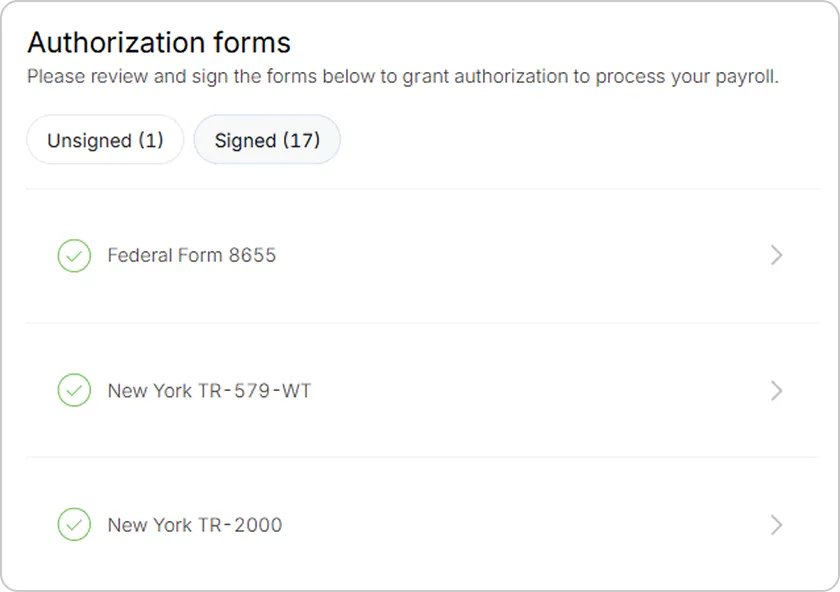
With automated filings, digital records, and year-end forms delivered on time, you stay compliant and focused on the job site.
Explore more

More insights on Certified Payroll

What is certified payroll?
Certified payroll is a mandatory reporting process for contractors on federally funded or state public works projects. It verifies compliance with prevailing wage laws by reporting worker classifications, wages, hours, and fringes to government agencies.
Why do contractors need certified payroll software?
 Certified payroll software automates the complex calculations, reduces errors, ensures timely compliance, and generates official reports like the WH-347 form, saving time and mitigating audit risks.
What information is included in certified payroll reports?
Certified payroll reports include employee names, job classifications, hours worked, wages, deductions, fringe benefits, and a signed compliance statement.
How does Lumber’s certified payroll software help contractors?
Lumber automates payroll calculations, manages union and fringe benefits, generates federal and state certified payroll reports, and provides alerts for compliance issues — all with easy report generation and secure access.
Can Lumber handle union-specific payroll requirements?
Yes, Lumber supports union 401k, PAC deductions, union rate application including reciprocity agreements, and union-specific reporting to ensure full compliance.
What export formats does Lumber support for certified payroll?
Lumber certified payroll software exports reports in PDF, XML, and CSV formats for flexible submission and record keeping.
Avatar photoAvatar photoAvatar photo

Still have questions?

Can’t find the answer you’re looking for? Please chat to our friendly team.
Supercharge your construction workforce
Talk to our Lumber expert to get started.
Book a demo